


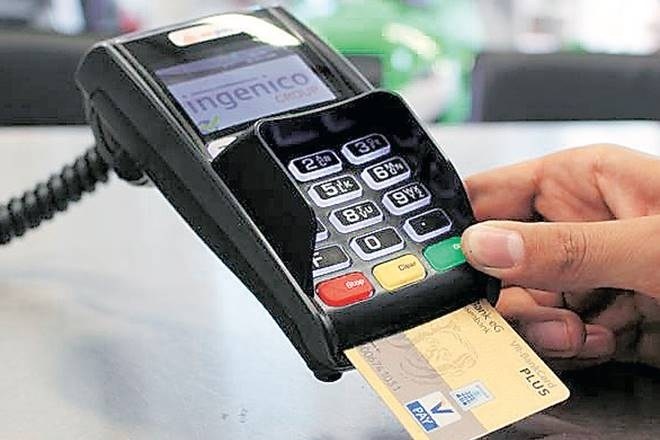

Union Minister KJ Alphons launched the Digital Payment Security Awareness campaign in the national capital on Monday. The launching of the campaign by the minister has come at a time when all kinds of digital fraud are being reported not only in India but rest of the world as well. With changing technology, fraudsters are using new ways to fool and take away your hard earned money without you even coming to know about it till it is too late. It’s high time you should know how to avoid getting fool by fraudsters.
Here are some of the tips that you can look in to:
Choose correct password
This is one of the most important and basic rules, but strangely people still don’t take it seriously. Many a time we find people choosing their name + 12345 as the password or even those of their family members. It is not the smart way to choose your pets name either. You will certainly be at risk, as this information is available on your social media accounts. Your password, especially in your banking accounts must be unique and complicated with some special characters. The same goes for online transactions when to purchase anything from e-commerce sites like Amazon or Flipkart as also digital wallet like Paytm or MobiKwik.
WiFi security
Even as most Indians love public WiFi, most of them are not aware of the risks that come with it. It is advised to change the router’s default password when you set up WiFi connection at home, and keep changing it on regular basis. Be careful not to give easy access to hackers, as it would mean compromising a lot of personal and private data, more so if you conduct a lot of digital transactions from your home. It is recommended to use Virtual Private Network (VPN) on public WiFi, even when you are just on social media. In case your data is not secured, your data could be at risk; VPN prevents cyber hackers from spying on you by masking your identity.
Save these apps to keep sensitive information
Avoid saving information like credit card details, bank logins, etc., in the contacts list of your smartphone. A number of smartphone apps demand access to your contacts, including apps like Facebook, WhatsApp, TrueCaller, as do some games. You should not put crucial information out for companies to upload to their servers. In iOS, the Notes app helps you lock some notes, which can only be accessed only through a password. Apps like BlackBerry Password Keeper, LastPass 4.0 etc., on Android can be used for save sensitive information.
Two-factor authentication
With most people preferring to use or stay online on social media, the best way is to activate two-factor authentication on Facebook, Gmail and even WhatsApp, all of which support two-factor authentication. This helps you connect your phone number to your account and get a One-Time Password (OTP) when you log in from a new device. This would be useful especially for those who use personal social media accounts at work or on public computers. In WhatsApp, two-factor authentication has been introduced on Android, This will ensure that you enter a password every time you wish to open the app. This will make sure that anyone can’t just pick up your phone and browse through your WhatsApp messages.
Phishing links
Many people have the habit of sending forward messages they like, be it in WhatsApp groups or emails. Quite often, users receive WhatsApp messages with links promising a ‘gold version’ of the app or a free phone. Avoid clicking on these links, as they are designed for phishing. You might be asked for personal details like bank account numbers or credit cards, etc., or malicious apps will be installed. Don’t forget, if hackers gain entry to your device, then all data gets compromised. Same way, even email can come from unknown senders. Now, Gmail warns users of suspected phishing attacks, so one must check the alerts when opening a message from an unknown sender.