



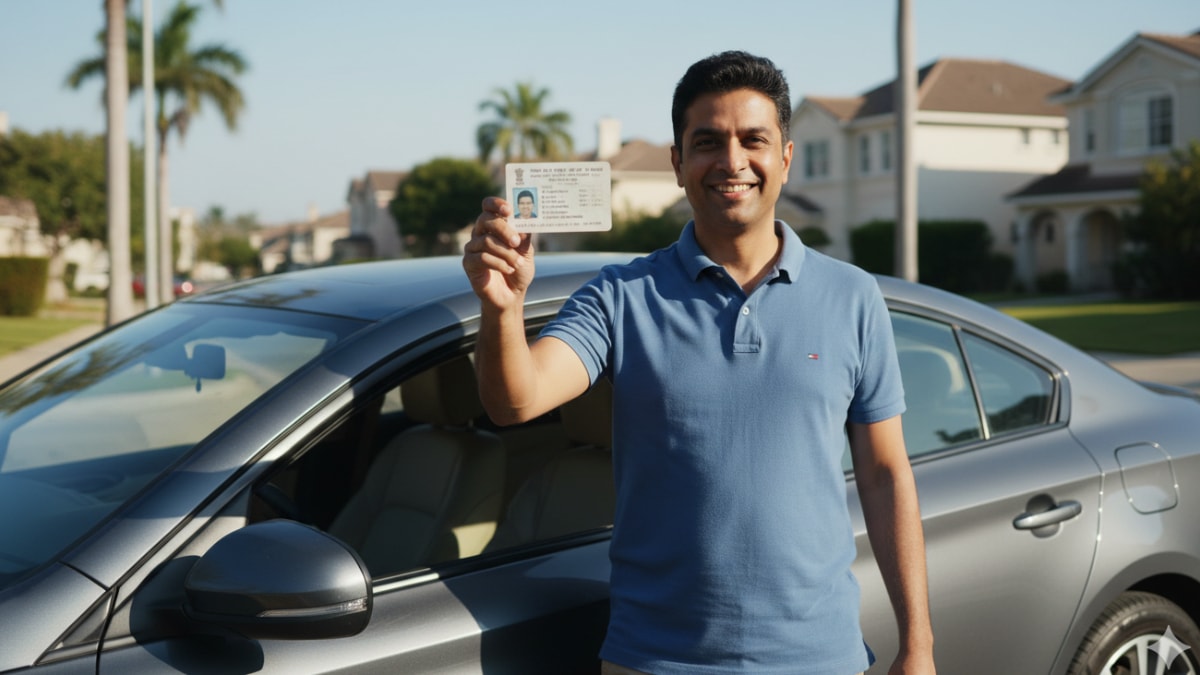
Ministry of Road Transport and Highways has just issued a advisory for all vehicle owners in India. The ministry has urged vehicle owners, driving licence holders, and applicants to immediately update their registered mobile numbers on the official Vahan and Sarathi portals.
The ministry highlighted that many users continue to face issues due to mobile numbers registered years ago, which may no longer be active or in use. Updating these details will not only streamline personal transactions but also strengthen the security and reliability of the national transport database.
Why updating your mobile number is crucial?
The registered mobile number acts as the primary identifier for OTP-based authentication and communication on both Vahan (for vehicle-related services) and Sarathi (for driving licence services) portals.
An incorrect or outdated phone number can lead to a host of problems, like inability to log in or complete transactions, failure to receive important alerts about expiry dates, traffic challans, or regulatory changes, and prolonged delays in availing e-services. Keeping records current ensures seamless integration with other government platforms, enhances data accuracy across states, and supports faster resolution of queries. It also aligns with broader efforts to make public services more efficient, secure, and user-friendly.
Note that owners of cars, SUVs, commercial vehicles, and two-wheelers (motorcycles and scooters) need to update their mobile phone numbers on the government portal.
Step-by-step guide to update your mobile number
For vehicle owners (Vahan portal):
Visit the official Vahan mobile update page at vahan.parivahan.gov.in.
Select the “Update Mobile Number” option.
Enter your vehicle registration number and chassis number (last five digits).
Provide the new mobile number.
Verify it through the OTP sent to the new number.
Submit the request and save the acknowledgement for future reference.
For Driving Licence holders (Sarathi Portal):
Go to sarathi.parivahan.gov.in.
Choose your state and select the relevant service for updating details.
Enter your driving licence number, date of birth, and other required information.
Input the new mobile number.
Complete OTP verification sent to the new number.
Submit the application and download the confirmation receipt.