



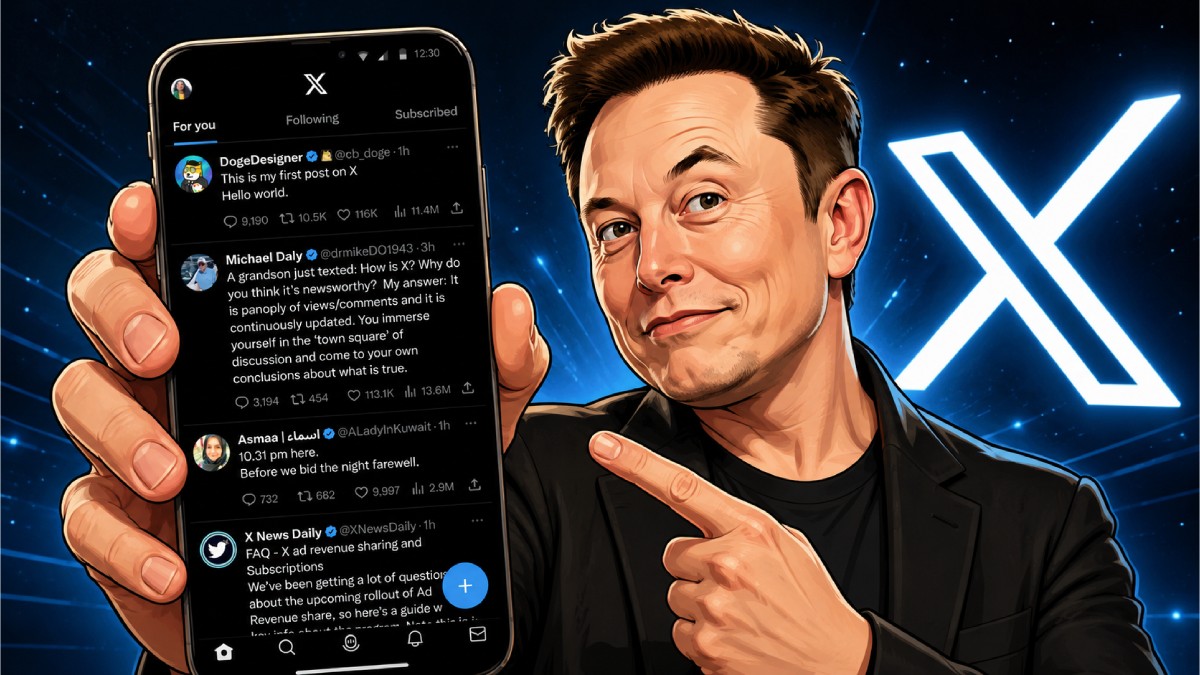
Elon Musk didn’t like the original X app on Android and hence put his team to work on recreating an entirely new app from scratch. That app is now ready to roll out, and X promises a much superior experience compared to the outgoing app. Termed by X’s Head of Product, Nikita Bier, as “one of the largest engineering projects in the company’s history,” the new app drops years of legacy code in favour of a modern architecture built from scratch.
From its Twitter days, the Android app has been littered with bugs and has been reported to provide a low-quality experience for years. Rather than just patching old bugs, X’s engineering team redesigned the app’s foundation, promising immediate performance upgrades, missing parity features, and a pipeline for rapid future updates.
Here is a quick breakdown of what Android users can expect from the newly rebuilt X app.
1. Overall performance
The X team states that the primary objective of redeveloping the X app was to replace an ageing codebase that struggled to keep up with X’s evolving platform features. With the latest version, this is what users can expect:
Smoother scrolling, faster loading: Scrolling through media-heavy feeds should feel noticeably smoother with reduced micro-stuttering. App cold-start times and feed loading have been significantly accelerated.
Reliable notifications, Battery efficiency: Background processing and notification delivery have been reworked, leading to more timely alerts, better memory and battery optimisation on mid-range and budget phones.
Fewer crashes: The new app architecture addresses underlying memory leaks and bug clusters that previously caused unpredictable app crashes.
2. Cashtags and Custom timelines
The new app brings Android users closer to full feature parity with iOS, unlocking key tools that were previously delayed or poorly supported on Android:
Cashtags: Financial discussions get a boost with fully integrated Cashtags (e.g., $TSLA, $BTC), allowing users to tap ticker symbols to view real-time market trends, discussion feeds, and interactive financial charts directly inside the app.
Custom timelines: Android users can now easily set up, manage, and toggle between curated Custom Timelines, letting them slice their feed by specific interests, communities, or list categories without clunky navigation.
3. Video creator tools and Spaces parity coming
In the coming weeks, the team is set to roll out several major creation and interactive tools in rapid succession:
In-app native video editor: Android users will soon get access to the advanced video creation suite recently launched on iOS. Features include multi-segment recording, green-screen effects, multi-language auto-captions, and precise clip trimming.
“React with Video”: Users will gain the ability to attach video reactions to posts and replies directly from their camera or gallery.
Full audio Spaces hosting: While Android users could previously join live audio Spaces, they missed out on full host capabilities, including co-hosting, speaker management, and recording controls. These features are coming to the new app soon.
4. Android gets priority status
Bier confirmed that with the new architecture in place, future platform updates, rich media tools, and integrations (such as deeper Grok AI capabilities) will often land on Android first or launch simultaneously across both platforms.
Prior to this, X and, formerly Twitter, have prioritised iOS for debuting new features, leaving Android’s massive global user base waiting weeks or months for equal functionality.