



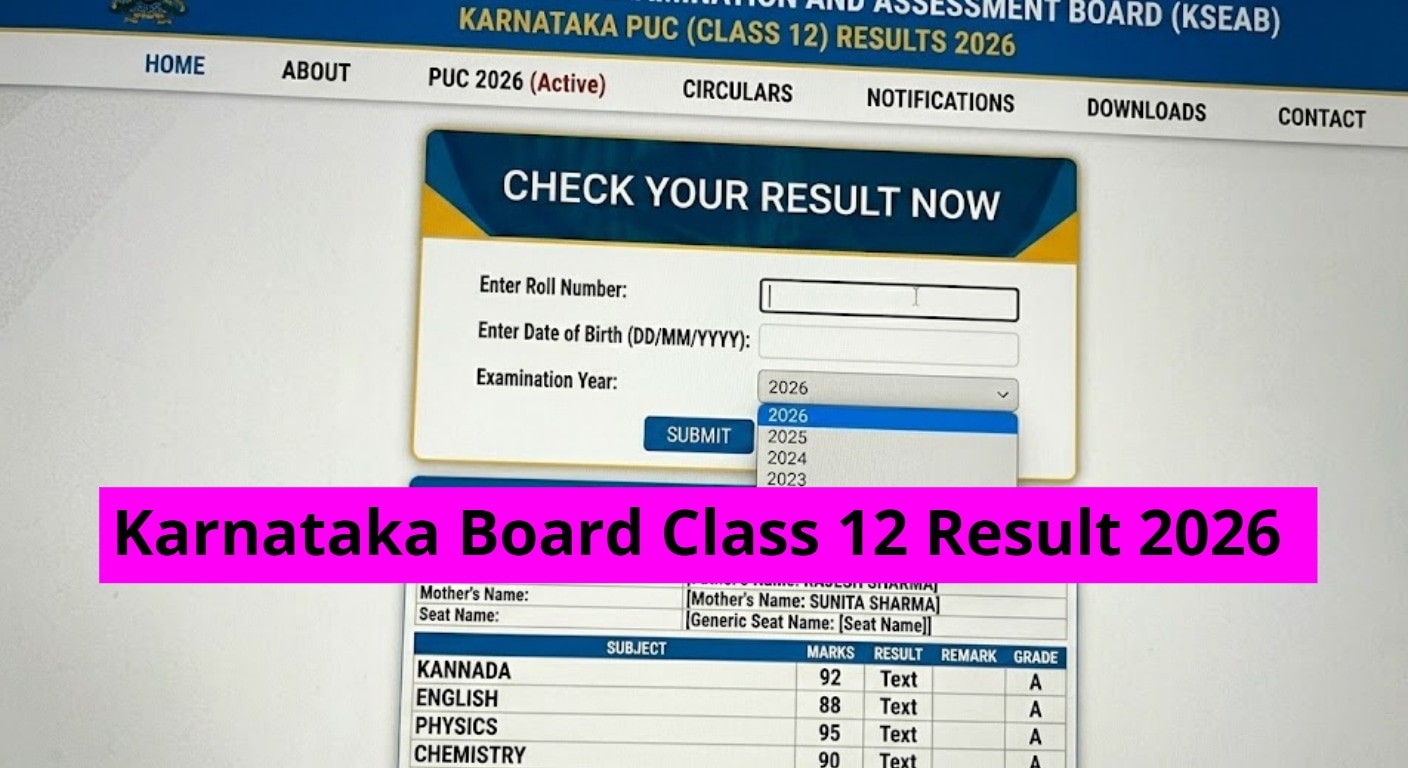
Karnataka 2nd PUC Results 2026: The Karnataka School Examination and Assessment Board have announced the Class 12 (PUC 2) results today, April 9.
The exams were held from February 28 to March 17. Around 7,10,363 students appeared for the Karnataka 2nd PUC exams, and all of them are now waiting for the results to be declared.
Apart from the official website, students can also check their KSEAB 2nd PUC scorecards on The Indian Express Education Portal here
As the results are out, students can now check their scores on the official websites – karresults.nic.in and kseab.karnataka.gov.in. The results will also be available on SMS, DigiLocker at digilocker.gov.in where students can download their digital marksheets.Students are advised to keep their registration details ready to quickly access their results as soon as they are announced.
Karnataka 2nd PUC results 2026: Steps to check scorecard online
Students can easily access their Karnataka 2nd PUC result by following these simple steps:
-Go to the official website karresults.nic.in
-Click on the link that says ‘Karnataka 2nd PUC Result 2026’
-Enter your registration number and date of birth in the required fields
-Click on the submit button
-Your result will be displayed on the screen
-Download the scorecard and take a printout for future reference
KSEAB 2nd PUC result 2026: Steps to check scorecards via DigiLocker
-Download the DigiLocker app on your mobile phone.
-Complete the registration process by linking your Aadhaar number on your profile page.
-After logging in, go to the “Pull Partner Documents” section on the left side.
-From the dropdown menu, select Karnataka School Examination and Assessment Board.
-Choose the document type (PUC II Result).
-Enter your Year of Passing and Roll Number in the required fields.
-Click on “Get Document” to access your Karnataka PUC II Result 2026.
-Finally, click on “Save to Locker” to store the marksheet in your DigiLocker account.
Once your marksheet appears, you can download it or save it in your DigiLocker account for future use.
KSEAB 2nd PUC result 2026: Steps to check scorecards via SMS
-Open the SMS app on your phone.
-Type a message like this: KAR12 Roll Number
(Example: KAR12 123456)
-Send it to the official number given by the Karnataka School Examination and Assessment Board (the number will be shared when results are announced).
-Once sent, you will get your PUC 2 result as a text message on your phone.
After sending the message, your PUC 2 result will be delivered directly to your phone via SMS, making it a quick and convenient way to check your scores.
KSEAB 2nd PUC result 2026: Login credentials required to check scorecards
To check the Karnataka PUC 2 Result 2026, students will need the following details:
-Registration Number / Roll Number
-Date of Birth (if required)
Students are advised to keep these details ready in advance to ensure a smooth and quick result-checking process on official websites or via DigiLocker.