



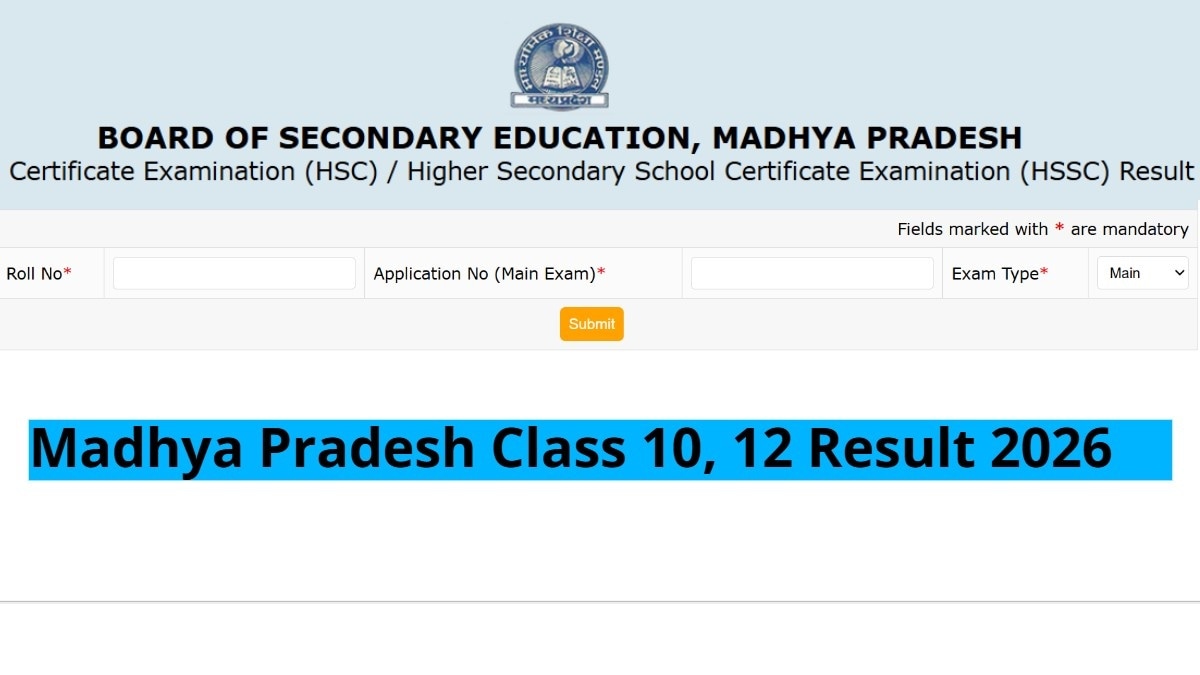
MPBSE 10th 12th Result 2026 Scorecard Download @results.digilocker.gov.in: The Madhya Pradesh Board of Secondary Education (MPBSE) Class 10 and 12 Results 2026 will be announced today, students will also be able to check their scores through DigiLocker and SMS services, apart from the official website. These options make it easy for students to quickly access their digital marksheets without any hassle.
Students can check their MPBSE 10th and 12th results easily through DigiLocker or the SMS service by entering their roll number and other required details. These platforms provide instant access to digital marksheets as soon as the Madhya Pradesh Board releases the results, ensuring a quick and convenient experience for students.
Additionally, students can also check their MP Board Class 10th and 12th on the Indian Express Education Portal here.
MP Board Class 10, 12 Result 2026: How to check scorecard via DigiLocker
Students should ensure their DigiLocker account is linked with the same mobile number used during registration to smoothly access and download their MPBSE digital marksheet.
-Open the DigiLocker app or visit – https://www.digilocker.gov.in
-Sign in using your mobile number/Aadhaar number linked with DigiLocker
-Go to the “Education” or “Issued Documents” section
-Select Madhya Pradesh Board of Secondary Education (MPBSE)
-Enter your roll number and required details
-Your Class 10 or 12 digital marksheet will appear
-Download and save it for future use
MP Board Class 10, 12 Result 2026: Steps to check via SMS
Students are advised to carefully follow the SMS format and send the message only from their registered mobile number to receive accurate result details instantly.
-Open the SMS app on your mobile phone
-Type the message in the format: MPBSE10 <space> Roll Number (for Class 10) or MPBSE12 <space> Roll Number (for Class 12)
-Send it to the official result SMS number (to be announced by MPBSE)
-You will receive your result details via SMS on the same mobile number
-Save the message for future reference
MP Board Class 10, 12 Result 2026: How to download scorecard online
Students can check MPBSE Class 10 & 12 results online using roll numbers on the official website and download their scorecard.
-Visit the official website of the Madhya Pradesh Board of Secondary Education (MPBSE) –https://mpresults.nic.in
-On the homepage, click on the link for “Class 10 Result 2026” or “Class 12 Result 2026.”
-Enter your roll number and other required details as mentioned on your admit card.
-Click on the Submit button.
-Your scorecard will appear on the screen.
-Carefully verify all details, including your name and subject-wise marks.
-Download the marksheet and take a printout for future reference.
Students are advised to keep their admit card handy to avoid any last-minute issues while checking the result.