



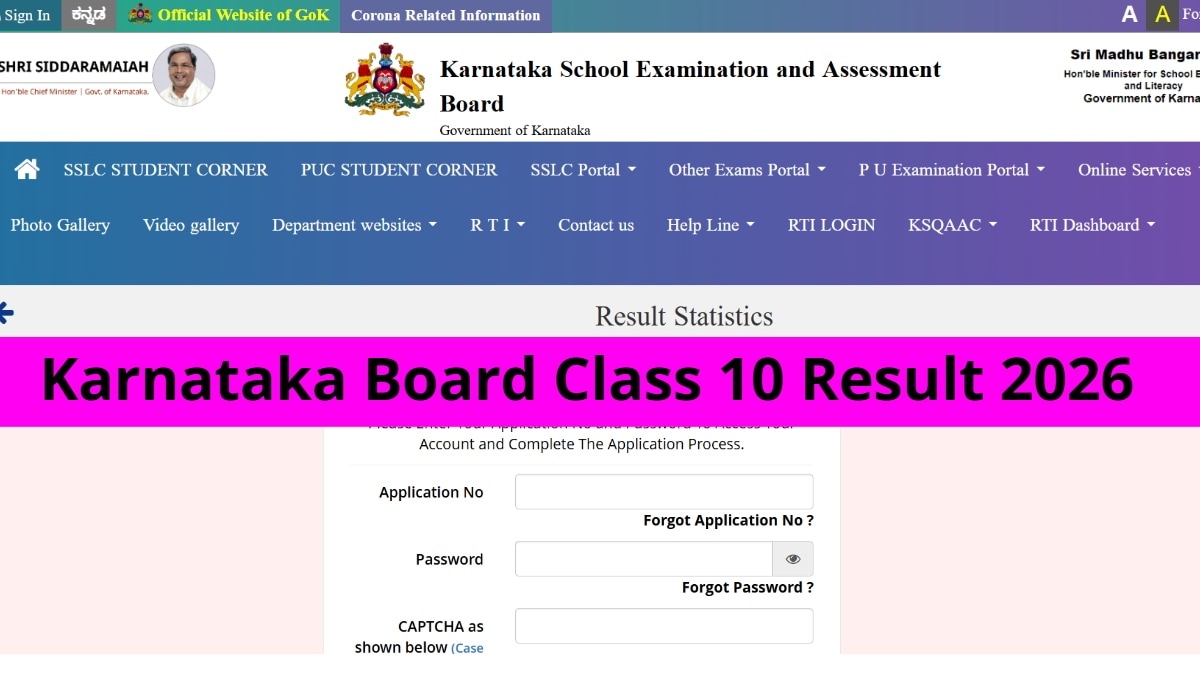
KSEAB SSLC Result 2026 @results.digilicker,gov.in: Karnataka School Examination and Assessment Board (KSEAB) is all set to declare SSLC (Class 10th) results today at 12 pm on the official websites karresults.nic.in or kseab.karnataka.gov.in. Once declared, students can also check their SSLC scorecards on DigiLocker app or website and via SMS service. Below is a detailed guide on how to check Karnataka SSLC scorecards via different options.
Students can also check their Karnataka SSLC Result 2026 on the IE Education Portal here.
To access the result, registration number and date of birth are required. The marksheet will show subject-wise marks, total score, and qualifying status. If websites are slow due to heavy traffic, DigiLocker and SMS will offer a faster alternative.
Students can also check their Karnataka SSLC result via DigiLocker using their registered mobile number or Aadhaar-linked account. For SMS, they need to send their registration number in the prescribed format to the official number to receive the result directly on their mobile. These alternative options help students access their results quickly in case the official websites are slow due to heavy traffic.
KSEAB SSLC 10th Result 2026: How to check scorecard via DigiLocker
Students should keep their DigiLocker account active and linked with Aadhaar/registered mobile number, and have their registration number ready to quickly access the SSLC marksheet.
-Open the DigiLocker app or visit digilocker.gov.in
-Log in using your registered mobile number / Aadhaar-linked account
-Go to “Issued Documents” / “Education” section
-Select Karnataka SSLC Result 2026 / KSEAB option
-Enter required details (if asked)
-Download your digital marksheet / scorecard
KSEAB SSLC 10th Result 2026: How to check via SMS
Keep your registration number ready and follow the exact format issued by the board for successful result delivery.
-Open the SMS app on your mobile
-Type your registration number in the prescribed format (as given by KSEAB)
-Send it to the official result SMS number announced by the board
-You will receive your SSLC result scorecard on the same mobile number
KSEAB SSLC 10th Result 2026: Steps to check scorecard online
Students should keep their admit card ready while checking the result, as login credentials are required to access the scorecard.
-Visit the official websites – karresults.nic.in or kseab.karnataka.gov.in
-Click on the link “SSLC Result 2026”
-Enter your registration number and date of birth
-Click on the Submit button
-Your scorecard will appear on the screen
-Download the marksheet and take a printout for future reference