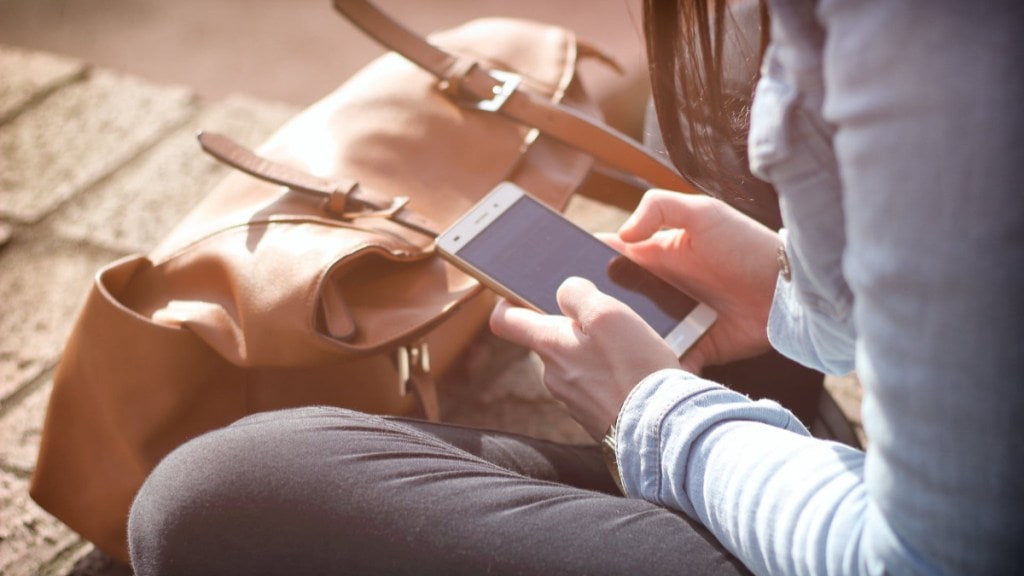
As smartphones seem to make our lives easy, experts suggest that they can also make it tough with the intervention of cyberattacks. As per report by the United States National Security Agency (NSA) smartphones can be more prone to cyberattacks.
In order to protect your phones from cyberattacks, the United States National Security Agency (NSA) explains how we can protect our data from these threats. The NSA’s Mobile Device Best Practices report seems to offer a range of solutions to keep hackers away from your phone.
What are the potential cyber threats?
Reportedly, your mobile phones can be prone to spear phishing attacks. This can trick you into installing malware. In addition to this, zero-click exploits can infect your phone without any interaction.
Other cyberattacks include malicious apps that can compromise your data, and harmful Wi-Fi networks that can intercept your internet traffic.
The report also highlights that Spyware can monitor your conversations, and hackers with remote access can steal your calling or texting data. Even a short physical access to your phone can be enough for hackers to install malicious software.
How can you avoid Cyber threats?
So, after identifying the threats, how can you protect your device? In relation to this the National Security Agency has come up with a safety checklist.
To protect your phone from getting hacked you need to regularly update your apps and operating system to ensure they have the latest security patches. Try to restart your phones weekly.
Avoid downloading apps from unauthorised downloading sites. Instead download apps only from sources like Apple’s App Store or Google Play Store.
Avoid clicking on links or attachments in emails and text messages, as these are common methods used to spread malware.
Public networks can be more vulnerable to attacks. So, if used, try using a VPN to secure your connection.
Turn off Bluetooth when not in use to prevent unauthorized devices from connecting to your phone. Preferably, use a strong passcode and enable biometric features like facial or fingerprint recognition for additional security.
Finally, try to keep location services disabled, when they are not needed to protect your privacy.
Follow FE Tech Bytes on Twitter, Instagram, LinkedIn, Facebook