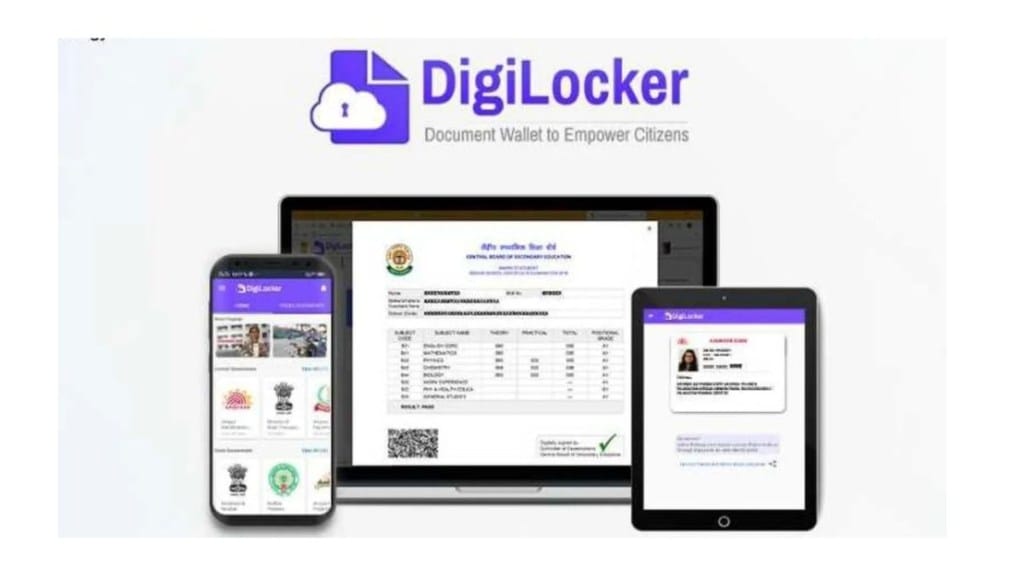
Digi Locker is used by a lot of Indians for storing and managing important documents. However, many users face challenges when it comes to changing or resetting thier DigiLocker passwords. In the article we’ll guide you on how to change DigiLocker password and the Pin too
DigiLocker is a government-backed platform that enables paperless governance in India. It allows users to store various documents like Aadhaar cards, PAN cards, and driving licenses securely in the cloud.
How to Change DigiLocker Password?
Go to the official DigiLocker website and click the “Sign In” button at the top right corner.
If you don’t remember your current password, click the “Forgot Password?” link.
Enter your registered mobile number or Aadhaar number for verification.
You will receive a One-Time Password (OTP) on your registered mobile number. Enter the OTP to proceed.
After successful OTP verification, you’ll be prompted to set a new password. Ensure your new password is strong, with at least 8 characters, including a mix of uppercase and lowercase letters, numbers, and symbols.
Re-enter the new password to confirm and click “Submit” to finalise the change.
How to reset DigiLocker Pin?
Open the DigiLocker app or visit the DigiLocker website.
On the login page, click on “Forgot Security PIN?”.
Choose your preferred identification method, such as Mobile Number, Aadhaar, PAN, or Driving License.
Enter the relevant details based on your selected identification method.
You’ll receive an OTP for verification on your registered mobile number. Enter the OTP and click “Verify”.
After successful verification, you can set a new 6-digit security PIN.
Confirm the new PIN, and you’re good to go!
Moreover, in a more recent development for DigiLocker Passport Verification Records can now be securely accessed, stored, shared, and digitally verified within the DigiLocker ecosystem, promoting paperless, contactless, and citizen-centric service.
Conclusion
Keeping your DigiLocker account secure is important to protect your digital documents. You can do this by knowing how to change your DigiLocker password and reset your security PIN when needed. The steps in this guide will help you do this easily.
As digital services like DigiLocker become a bigger part of everyday life, it’s important to understand how to manage your account properly. This helps Indian citizens use these services confidently while keeping their personal information safe and easy to access whenever needed.