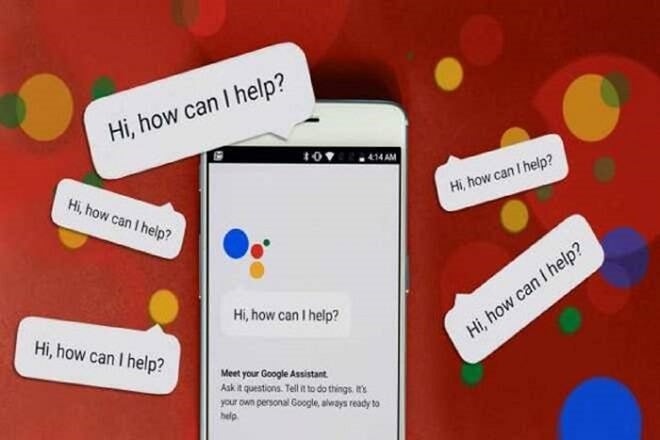
Google has brought in a new feature that will make sending audio messages to people hassle-free. The company has now introduced a feature to support for Google Assistant that will easily send audio messages forward. Unlike applications, where users have to press and hold the record button, Google Assistant does not have any button for recording.
Here is how users can record and send audio messages via Google Assistant
The users will have to give a command to the Assistant in order to send audio messages. It can simply be “Hey Google, send an audio message” or ” Hey Google, send an audio message to (name the contact)..” Apart from sending normal messages to other users, Google Assistant will also help sending messages on third-party applications also. Users will just have to make changes to command and add the name of the app, for example “send message to (contact) on WhatsApp”.
It is to note that the Assistant will immediately send the message once the user finishes speaking and the Assistant will not ask the users to confirm the message. Therefore, it is important for the users to be cautious in what they say and say the proper contact name.
Google is set to introduce this feature across countries that have English as their native language along with Brazil. Earlier, the company has rolled out support to read the messages from Hangouts and SMS. Apart from this, Assistant can also read all the messages and notifications along with who has sent those messages. It can clear notifications or even turn off notifications as well. “The new features will also give the app the ability to turn off Do Not Disturb on or off and change the Settings,” the company had said earlier. Meanwhile, Google Assistant has also been updated to allow users to make video or voice calls on WhatsApp.