



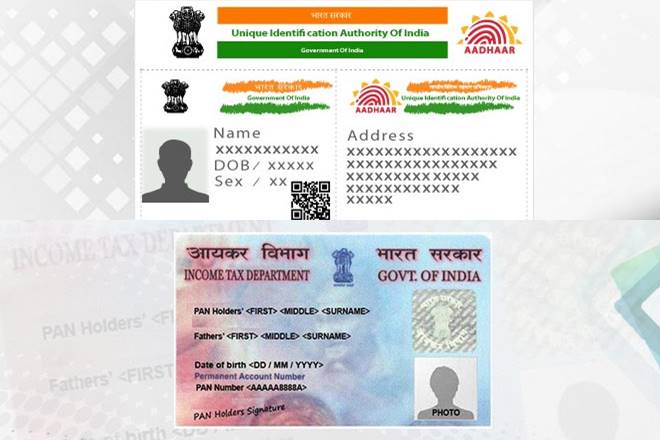
Tax payers will have to link their PAN with Aadhaar by the stipulated deadline, which is 31st August as the Supreme Court verdict on privacy has no bearing on the requirement, UIDAI CEO Ajay Bhushan Pandey said on Friday, reported PTI. The report added that the requirement for Aadhaar being quoted for availing government subsidies, welfare schemes and other benefits will also remain unhindered for now. When asked about the implication of the Supreme Court ruling on linking of Aadhaar and PAN, Pandey said,”There also, linking of PAN to Aadhaar is mandated by an amendment in income tax act…the linking will continue under that act and law. There is no change.” Pandey added that various deadlines that have been prescribed, be it under the provision of Aadhaar Act, Income Tax act or money laundering rules will “have to be adhered to as those laws are valid.”
The biometric identifier is currently required for services ranging from getting subsidised cooking gas to opening bank account and obtaining a new phone number. As per PTI report, the judgement by the Apex court has not said anything about the Aadhar Act which means it is a valid act passed by the Parliament (and) is the law of the land. Section 7 of the act “prescribes that for getting a certain subsidy or benefit the government can insist on an Aadhaar number. That position holds today,” he added.
According to PTI report, when asked if anyone can refuse to give their details in the backdrop of SC order, Pandey said: “As of today, no. Because Aadhaar Act is a valid Act and this judgement has not commented anything on Aadhaar Act.” Pandey said Aadhaar enrolment will continue unhindered.
Here are the steps to links PAN card to Aadhaar card before 31st August:-
Step 1: First register on the Income tax e-filing portal (“http://incometax indiaefiling.gov.in”) if you are not already registered.
Step 2: Log-in to the e-filing portal of the income tax department by entering the log-in ID, password and date of birth.
Step 3: On logging in to the site, a pop up window will appear, prompting you to link your PAN card with Aadhaar card. If it doesn’t come, then click on “profile settings” and then “Link Aadhaar”.
Step 4: Details regarding the name, date of birth and gender will already be mentioned as per the details submitted at the time of registration on the e-filing portal.
Step 5: Verify the details on screen with the ones mentioned on your Aadhaar card.
Step 6: If the details match, enter your Aadhaar card number and click on the “Link Aadhaar” button. If the details do not match, it may pose a problem and the person is advised to get the details amended in his Aadhaar or PAN.
Step 7: A pop-up message will display that your Aadhaar card has been successfully linked to your PAN card.