



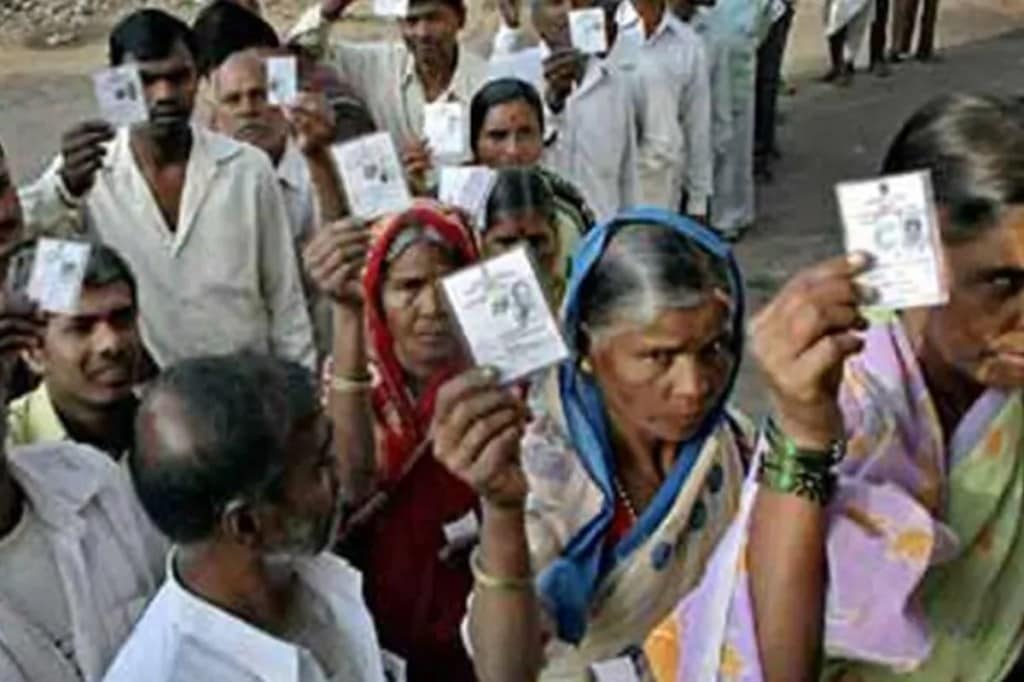
In a democracy, citizens elect their representatives who run the nation. To elect a representative, citizens have to vote and the identity card that makes them eligible to vote is called a voter ID card. It’s a proof of identity issued to eligible citizens of India by the Election Commission of India. It’s also known as the Elector’s Photo Identity Card or the EPIC. The ECI nowadays issues an e-EPIC. It is a portable document format (PDF) version of the EPIC which can be downloaded on mobile or in a self-printable form on the computer. A voter can thus store the card on his/her mobile, upload it on Digi locker or print it and self-laminate it. This is in addition to PCV EPIC being issued for fresh registration.
Are you eligible to get the voter card?
Only those who are Indian citizens, have attained the age of 18 years and are a resident of a polling area can get the voter ID card. Eligible citizens can get a voter ID card by applying offline/online to the Election Commission.
Steps to register online to become a voter:
For New Voters/Voters shifting their constituency: General Voters need to fill Form 6 available at National Voters’ Service Portal voterportal.eci.gov.in. . This form is also for ‘First-time voters’ and voters who have shifted from one constituency to another constituency.
Along with Form 6, you will have to upload relevant documents like age proof, photo, address proof among other documents listed on the ECI website. Here are the major steps:
* Click on ‘Create Account’ on voterportal.eci.gov.in.
* Register using your email ID or Mobile number.
* Login using your user ID and password.
* Click on ‘Apply online for the registration of a new Voter ID card’.
* It will open Form 6. Fill the form and click submit.
* Upload required documents and proceed further.
You will get a reference number or application number which you can use to track the status of your application.
* NRI Voter needs to fill form 6A.
* For Deletion or Objection in electoral roll fill form 7.
* Please fill Form 8 for any change in (Name, Photo, Age, EPIC Number, Address, Date of birth, Age, Name of relative, Type of relation, Gender).
* In case of shifting from one place of residence to another place of residence within the same constituency please fill Form 8A.
If you want to apply offline, fill two copies of Form 6. This form is also available free of cost in offices of Electoral Registration Officers / Assistant Electoral Registration Officers and Booth Level Officers. Fill in the form and attach necessary documents and submit them at the counter. You will get a receipt which you can use to cross-check the status if required.