-
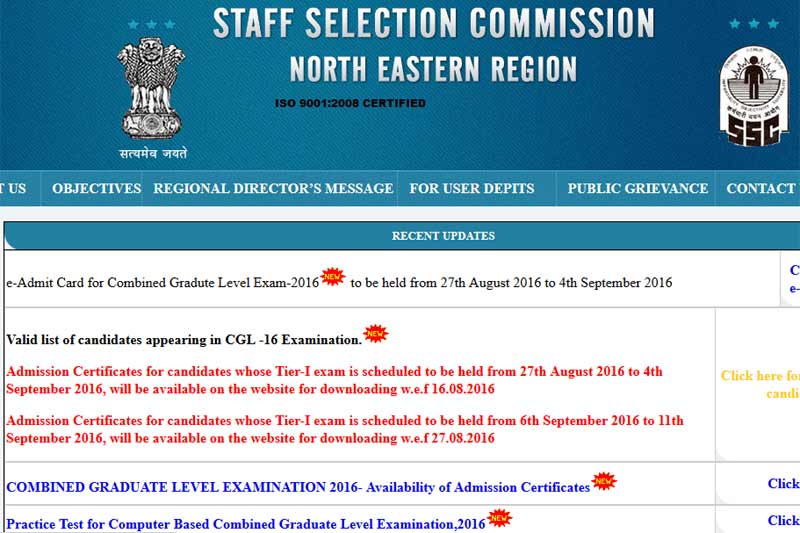
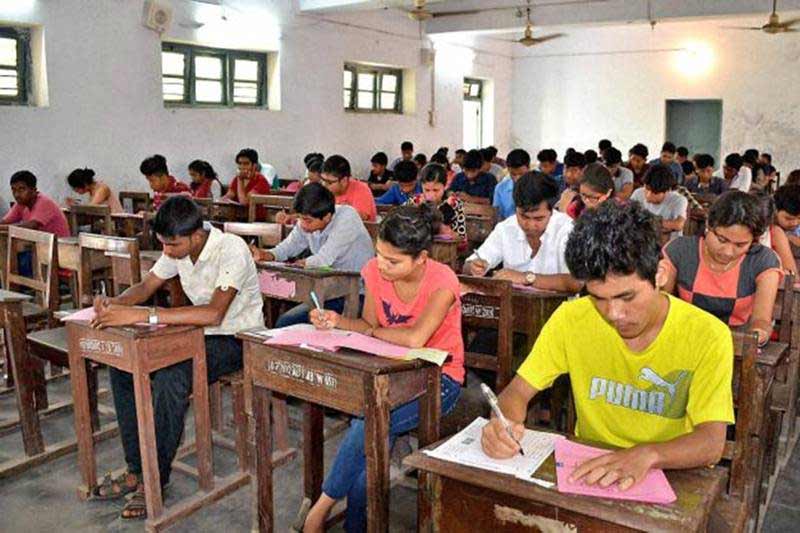
SSC CGL admit card 2016: Staff Selection Commission (SSC) has released the admit cards of the Combined Graduate Level Examination (CGLE) Tier 1 for the northern region candidates on the official website sscnr.net.in. SSC CGL exam 2016 is scheduled to be conducted from August 27 to September 11. Over eight lakh candidates have applied for the exam.
-

SSC CGL admit card 2016 has released the details of the examination date, time and other details on concerned regional websites of the commission.
-
How to download SSC CGL Tier 1 Admit Card 2016? Step 1: Go to the official Staff Selection Commission regional website.
-
Step 2: Click on Download Admit Card on the left hand panel. Step 3: Click "Download e-Admit Card" under Combined Graduate Level Examination 2016.
-
Step 4: Enter your Registration ID/ Roll number as per the online registration form. Step 5: Answer the simple mathematical calculation and click "Next".
-

Step 6: The Admit Card will then appear on the screen, click to download. Step 7. Take print outs of the downloaded Admit Card and keep them safely till the exams.

Who is Alexandr Wang? 28-year-old hired for 14 billion US dollar by Mark Zuckerberg to lead Meta superintelligence labs