



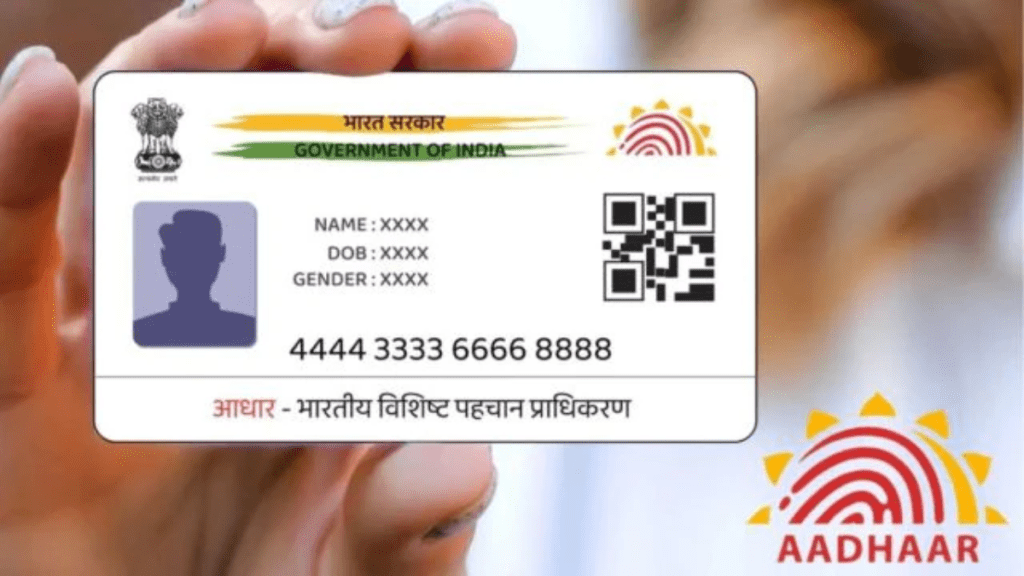
The Aadhaar card, a 12-digit unique ID issued by the Unique Identification Authority of India (UIDAI), remains one of the most important documents for residents of India. It not only serves as proof of identity but also allows access to government schemes, subsidies, and other official services. Every eligible Indian can enroll for Aadhaar once, after completing the verification process.
Steps to Retrieve Aadhaar Online
Losing your Aadhaar card is not a cause for panic. You can easily retrieve your Aadhaar details online using the ‘Retrieve UID/EID’ option on the UIDAI website. Just enter your registered mobile number or email for verification.”
For users with a linked mobile number, the steps are simple:
Choose whether you want to retrieve your Aadhaar number (UID) or Enrolment ID (EID).
Fill in your full name as registered, your linked mobile number or email, and the captcha.
Complete OTP verification sent to your mobile.
After mobile OTP based authentication, the Aadhaar number/EID will be sent through SMS to the linked mobile number. This service is free of cost.
Options When Mobile Number Isn’t Linked
If your mobile isn’t linked to Aadhaar, there are still ways to recover your details:
Visit an Aadhaar Enrolment Centre: You can request the “Print Aadhaar” service, where officials will help retrieve your number.
Call UIDAI Helpline: Dial 1947 to get assistance in recovering your Aadhaar number.
Residents are advised to check the official UIDAI portal https://uidai.gov.in/ for detailed instructions and updates.