


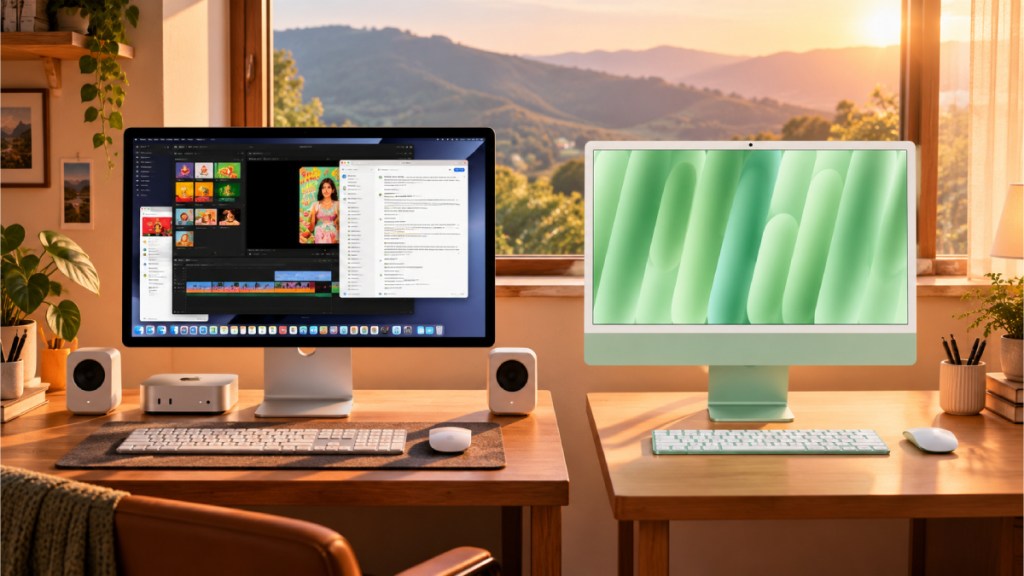

If you want to build a macOS based desktop experience without losing out on the value for money aspect, what should you do? Is it sensible to buy the brand new iMac M6 all-in-one desktop, or will you be better off with a custom Mac Mini M6 rig? With Apple’s release of the next-gen M6 chip architecture, prospective Mac desktop buyers face a classic dilemma.
At the core of both machines sits Apple’s latest silicon foundation — the M6 chip that features enhanced Neural Accelerators per GPU core, Wi-Fi 7, Bluetooth 6, and 2.5Gb Ethernet connectivity. Hence, performance is one aspect that no longer plays a crucial role in helping choose between these two systems.
Meet the iMac M6: The newest Mac desktop
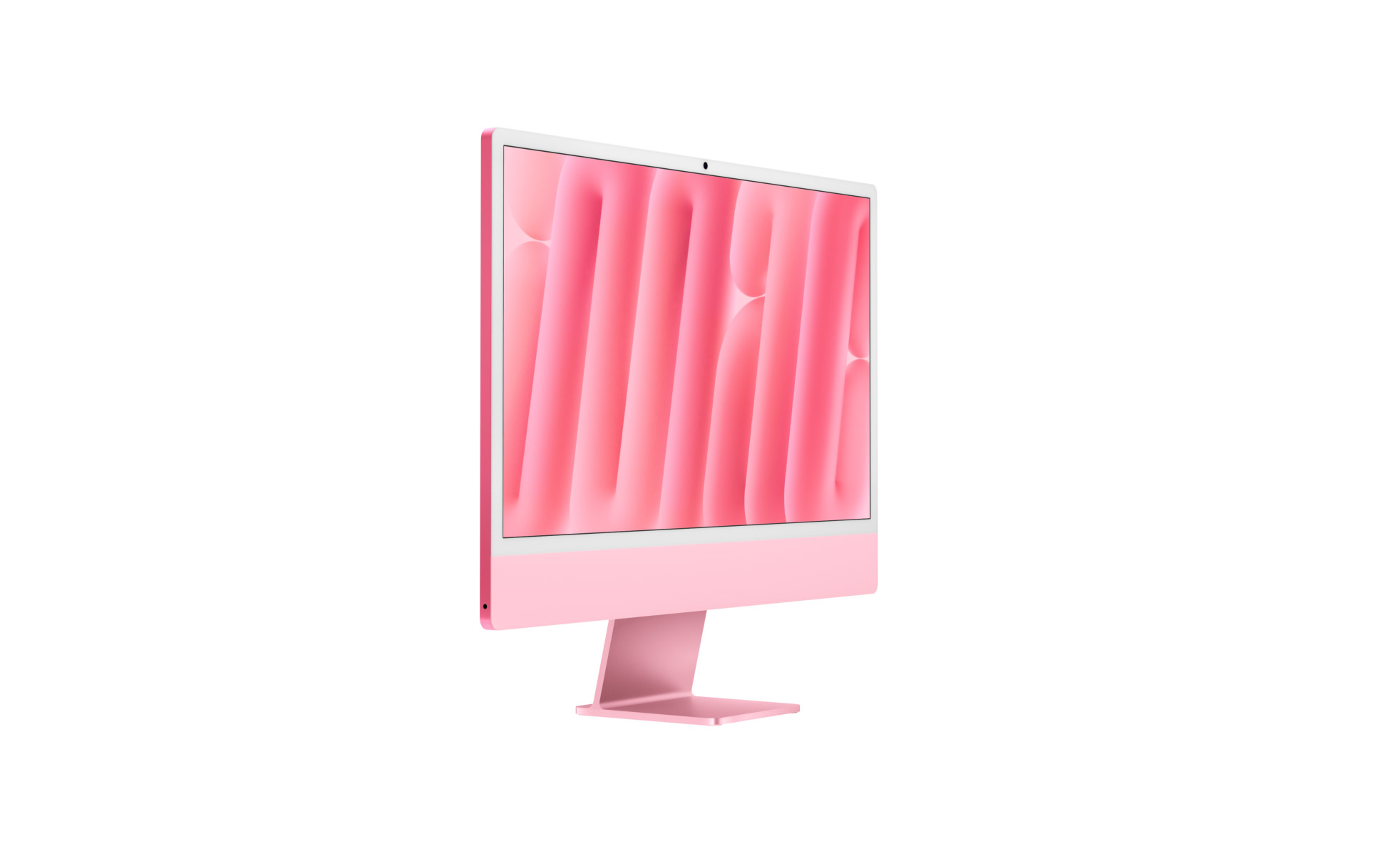
The new M6 iMac builds upon Apple’s signature all-in-one design. With up-to-12-core CPU and up-to-12-core GPU with per-core Neural Accelerators, it delivers double the graphics speed and up to 5x on-device AI acceleration compared to previous-generation M4 configurations.
Here’s what you get with the iMac M6 as part of the box.
Display: 24-inch 4.5K Retina Display with P3 wide colour and high brightness.
Peripherals: Colour-matched Magic Keyboard and Magic Mouse included out of the box.
Audio and visual: Studio-quality three-mic array, six-speaker sound system with Spatial Audio support, and an integrated high-resolution FaceTime camera.
Aesthetics and cable management: Single power cable setup available in seven finishes (blue, green, pink, yellow, purple, orange, and silver).
Where the iMac M6 shines is integration. You unpack a single box, plug in one woven power cable, and immediately access an ultra-high-density 4.5K colour-calibrated display alongside Apple’s first-party peripherals.
The modular alternative: Mac Mini M6 + custom desk accessories
Starting at Rs 99,900, the base Mac Mini M6 packs identical silicon architecture into an ultra-compact 5-inch by 5-inch footprint. However, the Mac Mini ships as a standalone box without a monitor, keyboard, mouse, or external speakers.
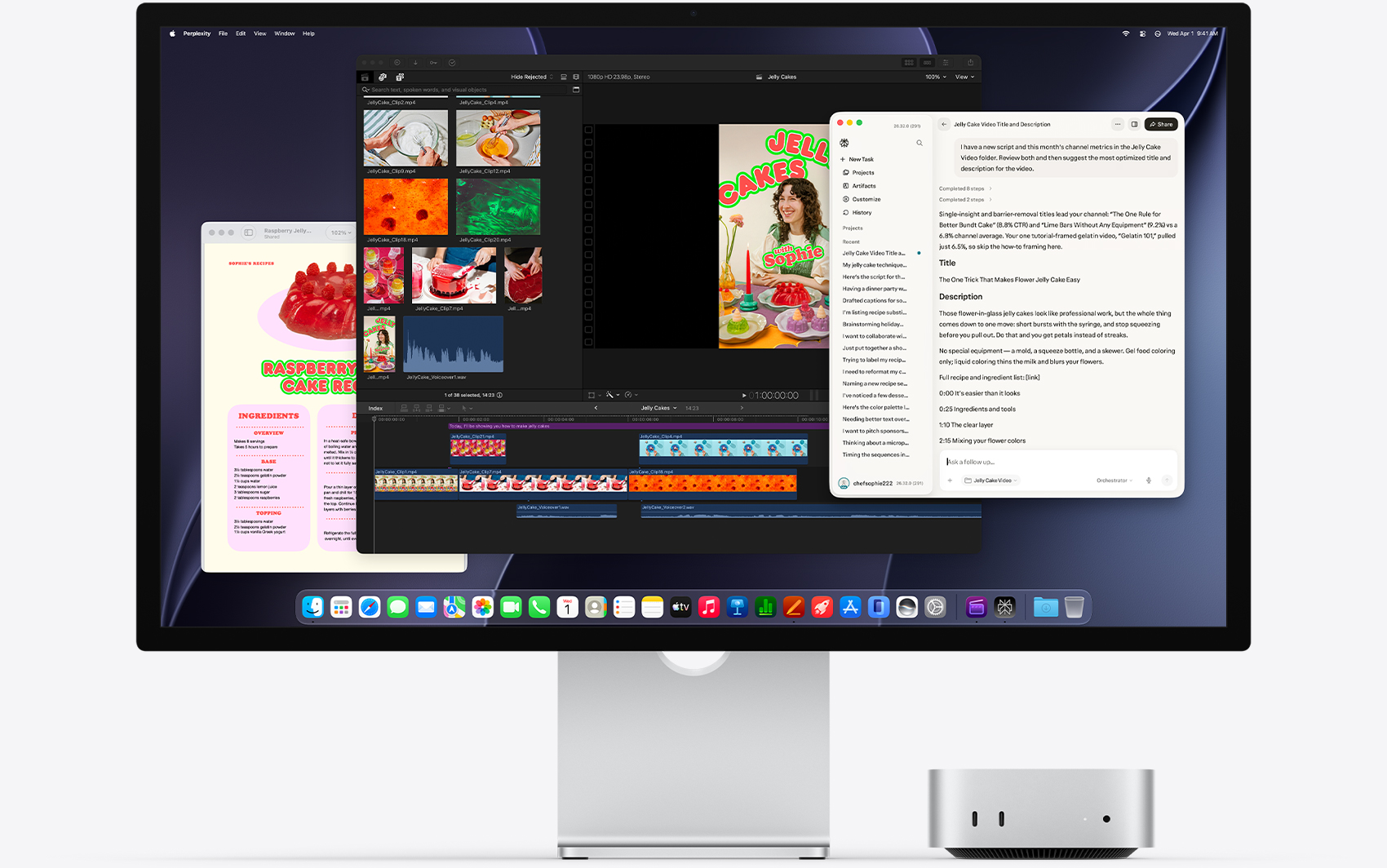
To build a fully functional workstation using easily available accessories, this is what you typically need to build one:
| Component | Hardware Selection | Approx. India Price (Rs.) |
| Mac Base Unit | Mac Mini M6 (Base Model) | Rs 99,900 |
| Display | Dell S2425HSM 24″ FHD Monitor | Rs 11,000 – Rs 14,000 |
| Keyboard | Logitech Bluetooth Wireless Keyboard for Mac | Rs 2,500 – Rs 4,000 |
| Mouse | ASUS Marshmallow Bluetooth Mouse | Rs 1,200 – Rs 2,000 |
| Audio | Desktop Multimedia USB/Bluetooth Speakers | Rs 1,500 – Rs 2,500 |
| Total Custom Setup | Complete Modular Workstation | ~Rs 1,16,100 – Rs 1,22,400 |
Price and investment comparison
| Option | Base hardware | Total cost |
| iMac M6 Base Unit | M6 Chip, 24″ 4.5K Retina Display, Magic Keyboard, Magic Mouse, 6-Speaker Sound System | Rs 1,74,900 |
| Mac Mini M6 Custom Setup | Mac Mini M6 (Rs 99,900) + Dell 24″ FHD Monitor + Logitech Keyboard + ASUS Mouse + Speakers | ~Rs 1,16,100 – Rs 1,22,400 |
| Difference | — | Rs 52,500 – Rs 58,800 savings with Mac Mini setup |
Analysing the price gap
The Mac Mini savings: Choosing the base Mac Mini M6 paired with standard desk peripherals saves roughly Rs 55,000 to Rs 58,000 upfront. For budget-conscious users, offices deploying multiple workstations, or students who prioritise processing power over screen density, this renders the Mac Mini setup significantly more accessible. What’s even better is that the whole experience is customisable, as the buyer can choose different peripherals with varying costs, thus making it more suitable for personalisation.
The iMac’s premium: The Rs 1,74,900 asking price of the iMac M6 accounts for hardware that is expensive to replicate individually – a colour-calibrated 4.5K P3 display (a comparable standalone 4K/5K monitor alone costs upwards of Rs 40,000 to Rs 60,000), a high-end built-in 6-speaker Spatial Audio setup, studio-grade microphones, a 12MP Center Stage webcam, and Apple’s first-party wireless inputs in matching finishes.
Head-to-head comparison
Visual and audio quality
- iMac M6: Features a 4.5K panel (~218 PPI resolution) delivering sharp text render, P3 colour gamut accuracy, high peak brightness, and integrated Spatial Audio six-speaker sound.
- Custom Mac Mini rig: Pairing a budget 24-inch Full HD (1080p) monitor like the Dell S2425HSM yields roughly 92 PPI. Text clarity and screen real estate are visibly lower compared to the iMac screen. Third-party budget multimedia speakers provide decent stereo separation but lack the acoustic tuning of the iMac chassis.
Ergonomics and customisation
- iMac M6: Fixed screen stand (tilt adjustable, but height adjustments require VESA mount configurations at purchase).
- Custom Mac Mini rig: The Dell S2425HSM monitor includes height-adjustable, swivel, tilt, and pivot functionality out of the box. Ergonomically, the custom setup offers superior physical adjustability and allows easy upgrades to a 27-inch 4K screen or dual-monitor layout down the line
Upgrade path and longevity
- iMac M6: Sealed unit. If the screen fails or feels small in 4 years, the entire computer must be serviced or replaced.
- Custom Mac Mini Rig: Highly modular. If Apple releases an M7 or M8 Mac Mini in the future, you swap the tiny desktop box for a new one while keeping your desk display, Logitech keyboard, ASUS mouse, and speakers intact.
Verdict: Which offers better value?
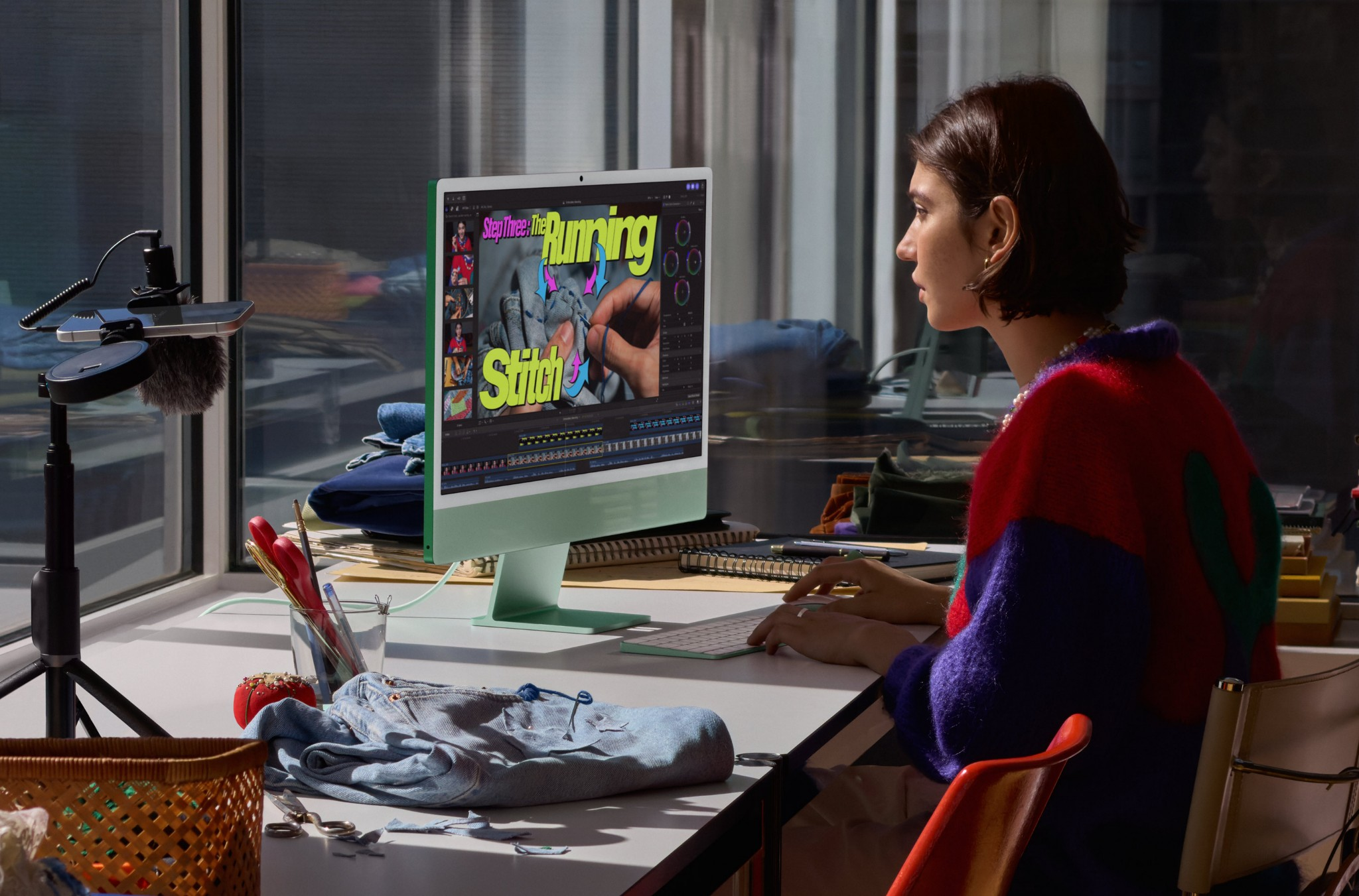
The iMac M6 makes sense if you prioritise display fidelity, studio-grade audio, aesthetics and zero-cable clutter. The 4.5K Retina display alone costs a significant premium if bought as a standalone 4K/5K monitor, thus making the iMac an exceptional value for creative work, photo editing, and sleek office setups.
On the other hand, the custom Mac Mini M6 setup is more suitable if you prioritise physical desk ergonomics (height adjustment), plan to upgrade to multi-monitor arrangements later, or prefer non-Apple peripheral ergonomics like full-travel membrane/mechanical keyboards and customised mice.