



I have grown tired of fitness trackers. Be it a premium feature-laden smartwatch or an affordable tracker with a tiny screen, having a notable weight dangling on your wrist is a distraction that I can do away. I don’t appreciate a smartwatch or a band constantly buzzing to remind me of missing my health goals, forcing me into a guilt trip. Hence, for the past 3 years, I have ditched these, and only wear one when I have to review. The Fitbit Air has changed that practice.
When Google announced the Fitbit Air earlier this year, I was concerned about its usefulness – isn’t just another tracker promising to be distraction-free while buzzing you for notifications or alerts? Won’t it be uncomfortable? The price also added to the concern, as Google is selling it at Rs 13,999 in India, which is a lot more than those affordable fitness trackers from phone manufacturers.
But, the Fitbit Air is different. After wearing one around for two weeks, I have grown to love it. In fact, I want to wear the Fitbit Air, even if I don’t heed on any of the health advices it keeps throwing at me. It’s great at certain things, and not so good at others, but it is wearable that most of you might want to own. I hope this makes other manufacturers work on similar wearable ideas at much lower prices.
Design, or the lack of it
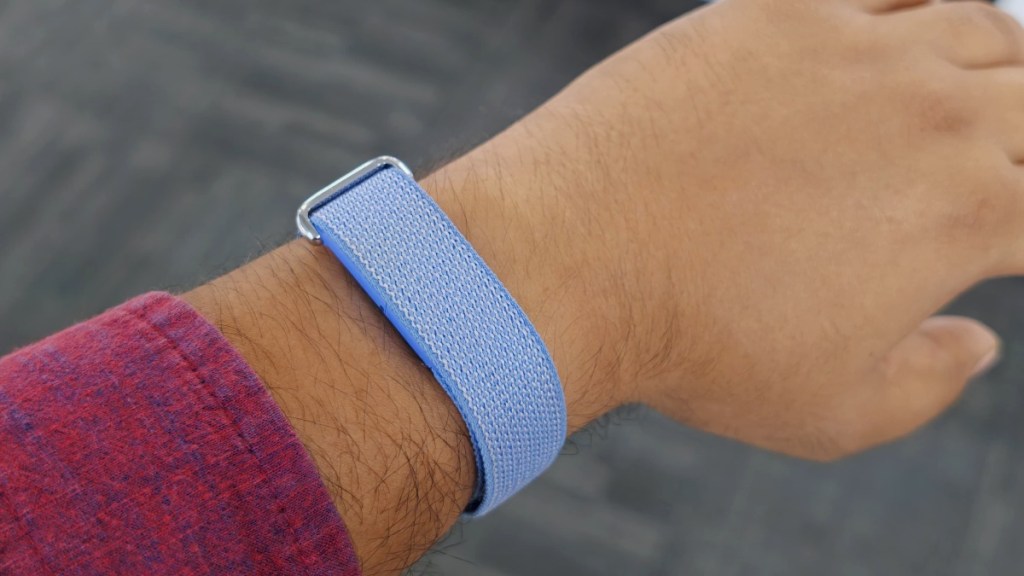
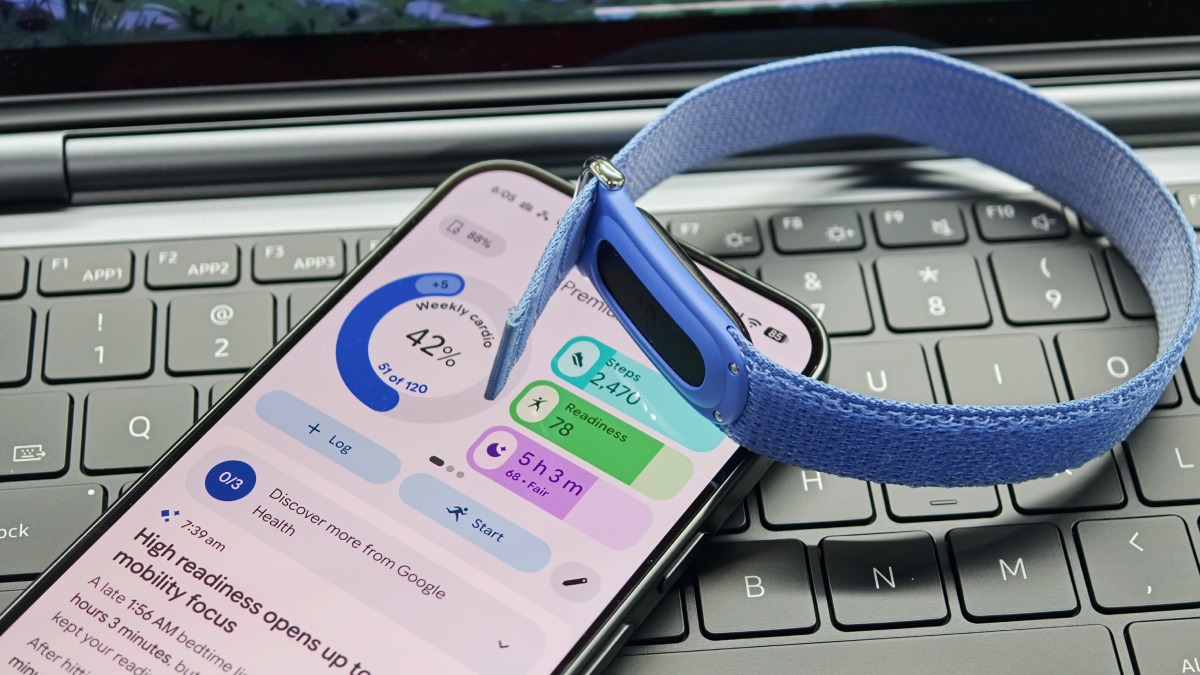
Unboxing the Fitbit Air was an interesting experience – there’s just a strap and the pebble-like tracker. You also get a magnetic puck to charge its battery. Assembling the Fitbit Air is an easy process, and once you wear it, its 12 grams of overall heft is barely noticeable.
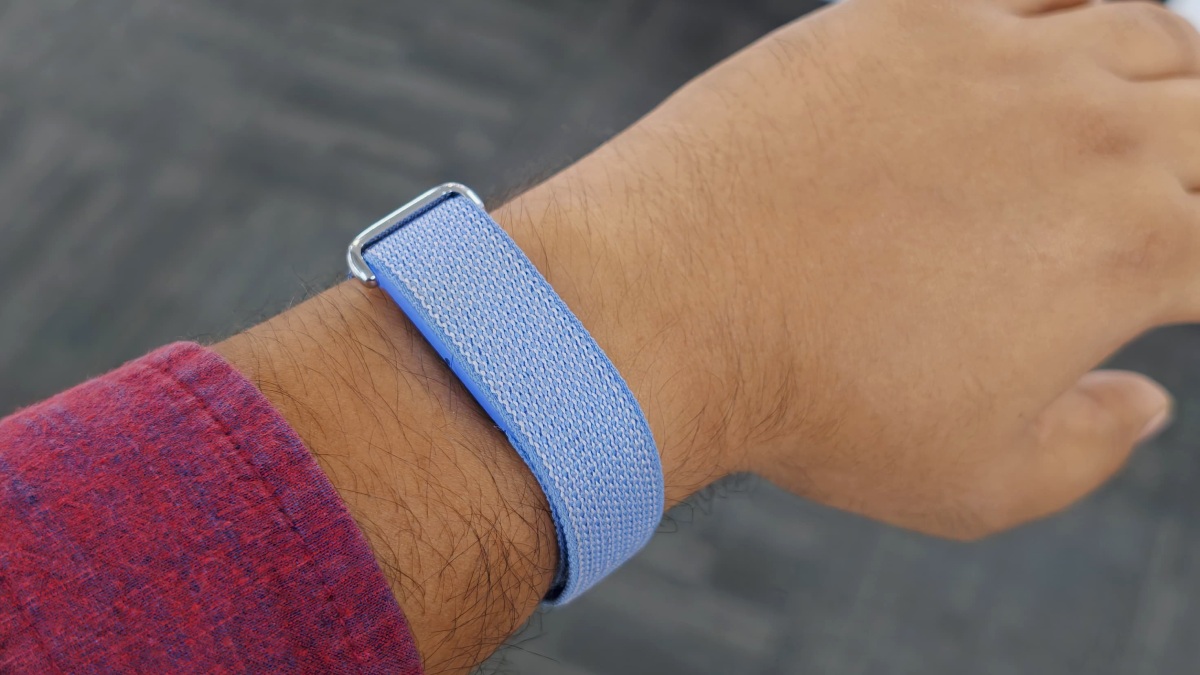
The Lavender fabric strap, which I had, is made from recycled polyester and elastane, and uses a micro-adjustable stainless steel buckle to ensure a snug fit against your skin. This keeps the optical sensors firmly positioned. I would, however, recommend getting the darker shades as the fabric strap gets dirty easily, and it takes time to dry in case you dunk it in water, or do sweaty workouts.
The Air’s tracker has no button but you get a LED indicator for status (white for good battery, red for low), and a subtle internal vibration motor fires for silent alarms. The tracker is touch sensitive, letting you double-tap to silence alarms.
Over the course of two weeks, the Fitbit Air has just been sitting on my wrist silently and doing its job, without throwing notifications, or distracting with health data you may not need. It doesn’t care if you don’t drink water frequently, or haven’t moved around in a while – it’s sort of a silent guardian.
The Fitbit Air makes best use of Google’s AI
Because the Fitbit Air stays quiet on your wrist, all the action happens inside the refreshed Google Health app. The setup process is effortless — plug the tracker into its charger, hold it near your phone, and pair via Bluetooth. What won me over is the Google AI Coach, which set the goals based on my needs, and not what it thinks should be. The AI Coach asked me basic questions and urged me to define my health goals – it didn’t mind when I refused to hit the gym for exercises – it instead prefered to track my sleep and share suggestions for overall wellness. And, the AI Coach is extremely polite, unlike Apple Watch’s OS that sends you in a guilt trip for missing out on your workout.
In fact, on the days when I missed out on my step count goals, it asked reasons for the same, and based on my answer, it adjusted the goals and changed its overall health recommendations. All the interaction happens in chat windows, which makes it easier to setup everything. Ask it why your recovery score dropped, and it breaks down the relationship between your heart-rate variability (HRV) and late-night activity. While some of the AI’s workout recommendations and recovery summaries can feel slightly generic, the advises work to a larger extent.
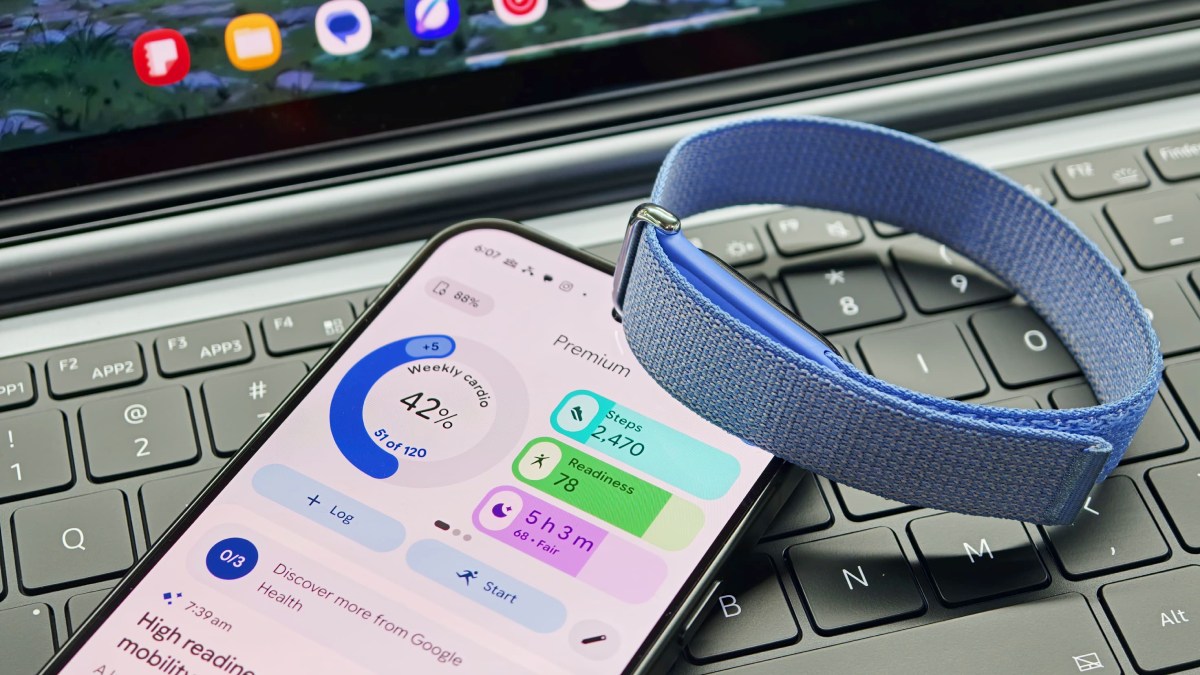
However, note that the AI Coach is part of the Google Health Premium subscription, which comes free for the first 3 months, following a Rs 499 per month charge. If you don’t wish to pay the subscription charge, the Air will still track the core health metrics, step tracking, and sleep stages without a paid subscription, minus the Health Coach features.
The Health app is well laid out, organising your data into clean, visually readable cards across four main hubs – Today, Fitness, Sleep, and Health.
Rather than overwhelming you with endless raw graphs, the dashboard synthesises complex information into actionable takeaways like daily readiness, resting heart rate, and weekly cardio load. There’s an option for users to pair both a Pixel Watch and the Fitbit Air to the same account, letting you wear a feature-packed smartwatch during office hours and swap to the lightweight Air for workouts or sleep.
My only gripe with the Health Coach is its lack of notification, especially on a Google Pixel phone. Unlike the Samsung Health app ecosystem on Galaxy S phones, which embeds the data into the Now Brief bar, the Google Health app does nothing on the Pixel 11 Pro’s lockscreen or homescreen. There’s a large homescreen widget that presents a summary of the health metrics, but it’s easy to miss it if not on your main homescreen.
Tracks like a classic Fitbit
Despite its featherweight frame, the Fitbit Air packs a robust sensor suite, including continuous heart-rate monitoring, skin-temperature variation sensors, and red/infrared SpO2 tracking.
Sleep tracking is where the device truly shines. Because it doesn’t feel bulky or catch on bedsheets, wearing it overnight feels completely natural. It automatically detects rest without manual input – even catching brief afternoon naps with impressive accuracy, breaking down time spent across Deep, REM, and Light sleep stages.
During workout testing (late night walking), continuous heart-rate tracking remained stable and responsive. However, because the Air lacks built-in GPS, runners and cyclists looking for precise route mapping will still need to bring their paired smartphone along for connected GPS tracking. I didn’t have any medical grade device to cross-check the step count and heart-rate data, and hence, cannot verify the data accuracy.
However, as with most health wearables, it should be noted that the data should be at most used as a reference and not actual medical-grade data. If the tracker or smartwatch ever notifies of an anomaly, it is always better to consult a doctor.
As far as battery life is concerned, the lack of a screen on the Fitbit Air allows for multi-day battery. As opposed to Google’s claim of 7 days of battery stamina, I could extract a maximum of 6 days before needing to recharge. A full recharge takes close to 1.5 hours with a powerbank, although Google says a 5-minute topup could help with a full day’s battery life.
Our Verdict on the Google Fitbit Air
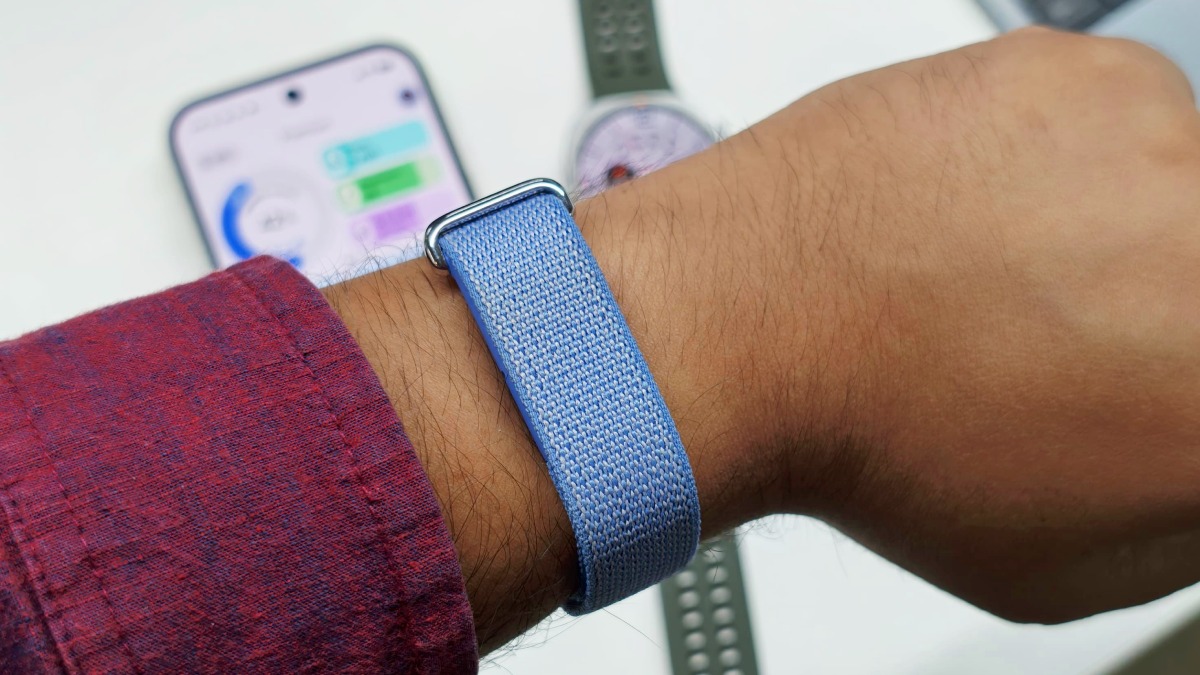
The Fitbit Air is a fitness tracker that only cares about keeping an eye on your health metrics – it doesn’t bother about a watchface, or irritating notifications, or even presenting full graphs on your sleeping habits.
What I admired about the Fitbit Air is its helpfulness with fitness suggestions. The tracker acknowledges your health needs and makes suggestions accordingly. The AI health coach makes greater use of the data and comes up with remedies and suggestions that do make a difference – it helped address my sleep concerns. Maybe, the Fitbit Air could get me to take my fitness seriously and work on it.
The only drawback here seems to be the cost – both the acquisition cost and the monthly Health Premium subscription price. Hence, it doesn’t score high on the value for money aspect. Minus the Health Premium subscription, the Fitbit Air experience isn’t justifiable.
Hence, if you value health monitoring without distractions and are willing to digest a monthly subscription, the Fitbit Air is definitely worth a try.