


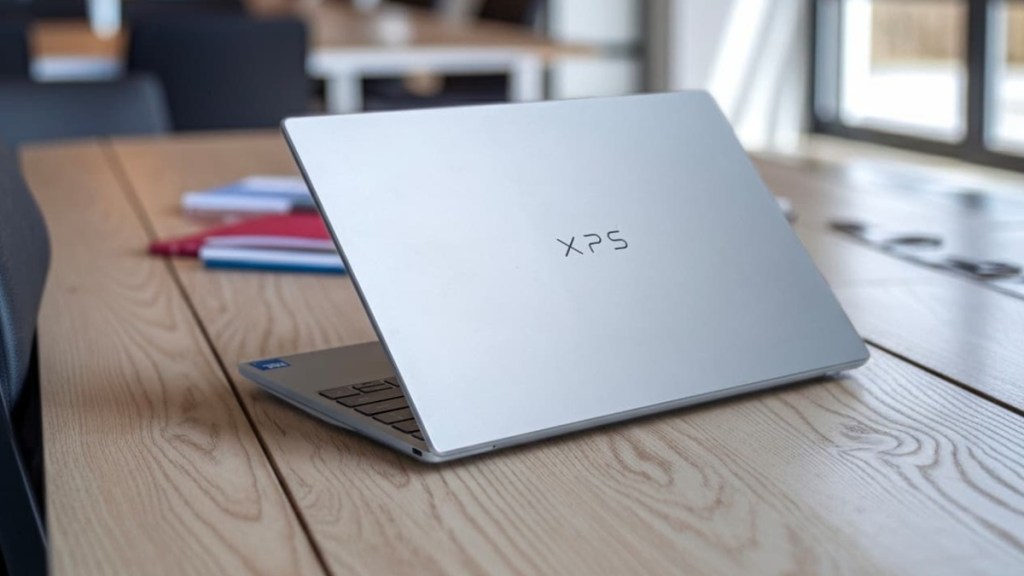

Ever since the Apple MacBook Neo came out, we expected other manufacturers to step up their game with accessible laptops that put quality on a pedestal. And unsurprisingly, it was Dell that stood up to the challenge first, that too with its premium XPS lineup. The XPS13 (2026) comes to the market to take on the MacBook Neo with all guns blazing – it’s got an Intel Core 5 processor, a high-resolution touchscreen display, and a promising speaker setup. It’s even got a nicely designed keyboard too. The price for all this? It starts at Rs 80,000!
That’s a great price for a laptop that runs on a proper laptop-class processor and offers the full Windows 11 experience. There’s no ARM-spec chip here that comes with a lot of limitations, unlike the MacBook Neo.
On paper, it makes the MacBook Neo look irrelevant. But is it as good as Dell’s spec sheet suggests? That’s what I am about to find out after spending over two weeks with a base-spec XPS 13 – the one with 8GB RAM.
Design and Build
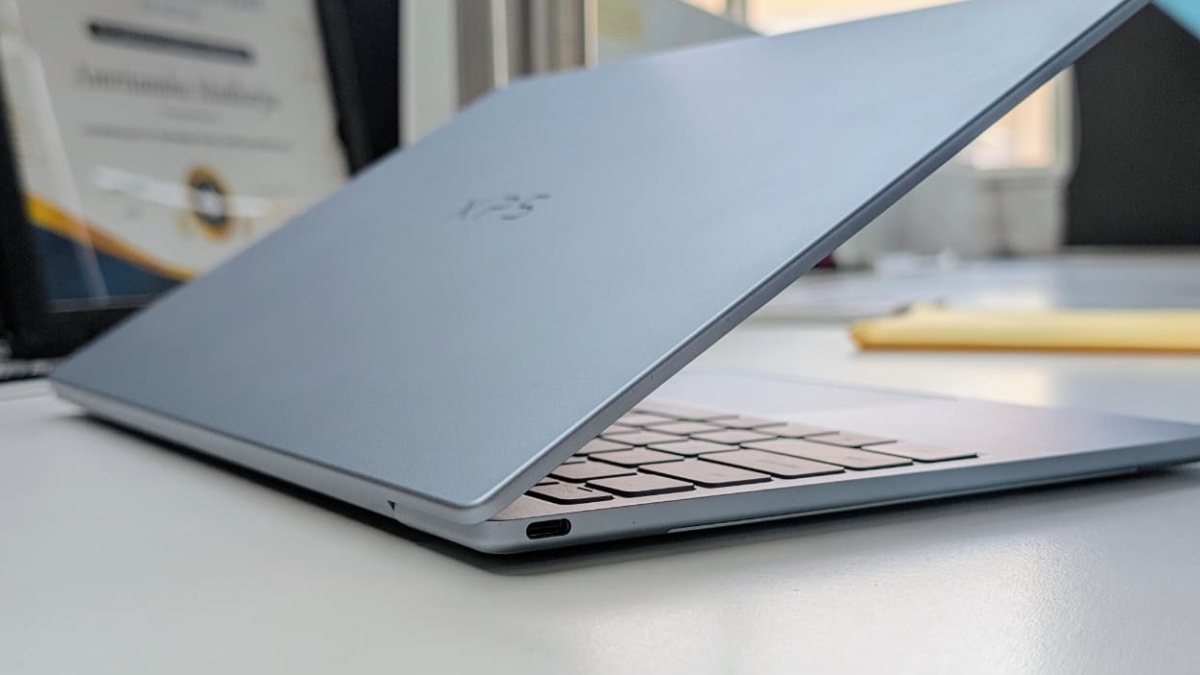
At first glance, the Dell XPS 13 looks just right. The all-aluminium chassis feels smooth, solid, and entirely free of the keyboard flex that plagues most laptops in this price segment. The hinge is sturdy and is well designed too – it opens easily without putting up much resistance, just like the MacBooks. It is lighter than the MacBook Neo and noticeably more compact, making it an effortless addition to a backpack.
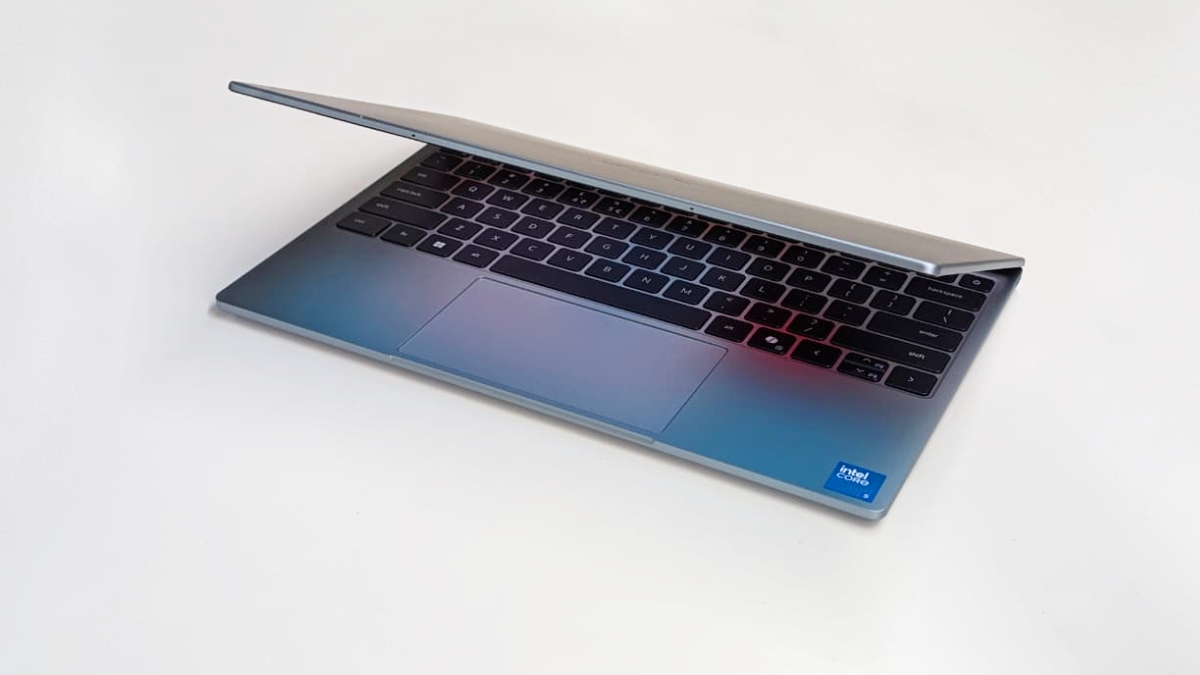
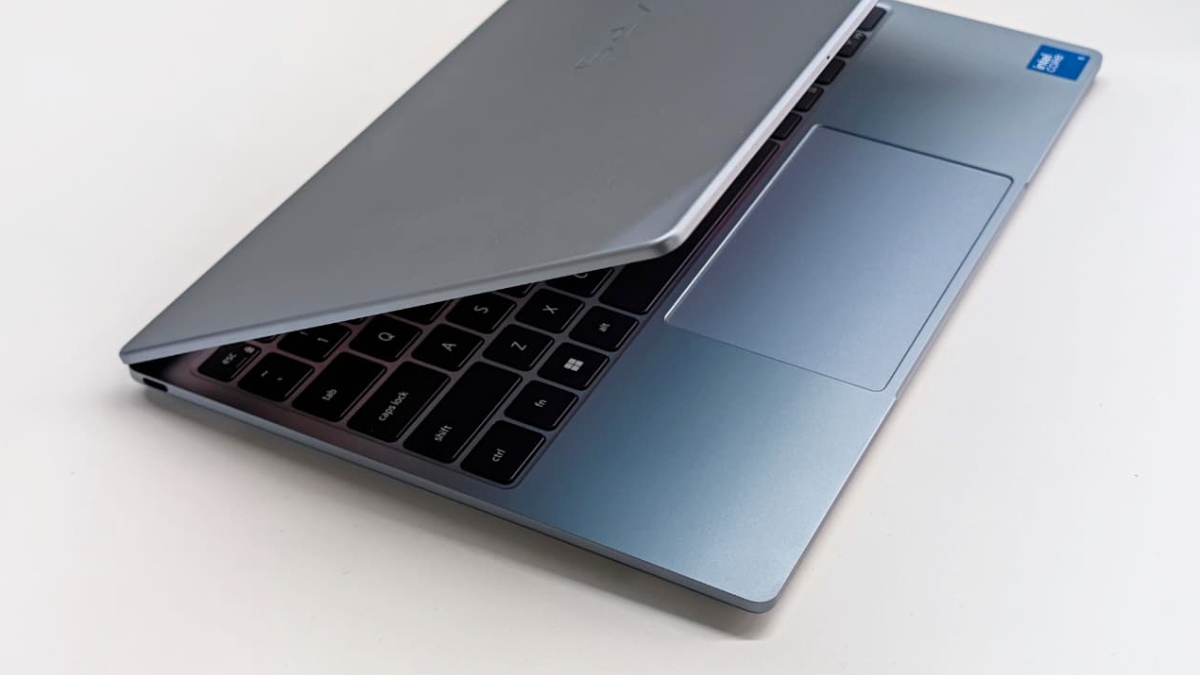
While it misses out on the future-style keyboard design, the design remains functional. Gone are the invisible haptic glass trackpads and zero-lattice keyboards found on its predecessors and current siblings like the XPS 14 and 16. Instead, Dell has reverted to a conventional design that more closely resembles its mainstream Inspiron line. Even the trackpad is clearly defined on the deck – it feels better calibrated than the one on the MacBook Neo.
The XPS 13’s display remains a bright spot. Dell has equipped it with a 13.4-inch 1440p IPS panel featuring a smooth 120Hz refresh rate — this is a direct win over Apple’s entry-level 60Hz panel on the Neo. What’s even better is that it comes with touchscreen functionality, complete with a matte layer that helps reduce fingerprint smudges. While everyone has their own preferences, I personally prefer a touchscreen display, as it makes navigating web pages much easier and faster. Scrolling through web pages, documents, and system animations feels noticeably fluid. The screen achieves high enough brightness for comfortable outdoor use under direct sunlight.
Not to forget, the XPS 13 (2026) has a facial recognition system for unlocking the laptop – something the Neo lacks in its base model (offers a fingerprint scanner on the top variant).
Daily performance
RAM is a hot topic these days, and it plays a crucial role in the XPS 13’s story too – but not for its price or availability. It is about the limitation.
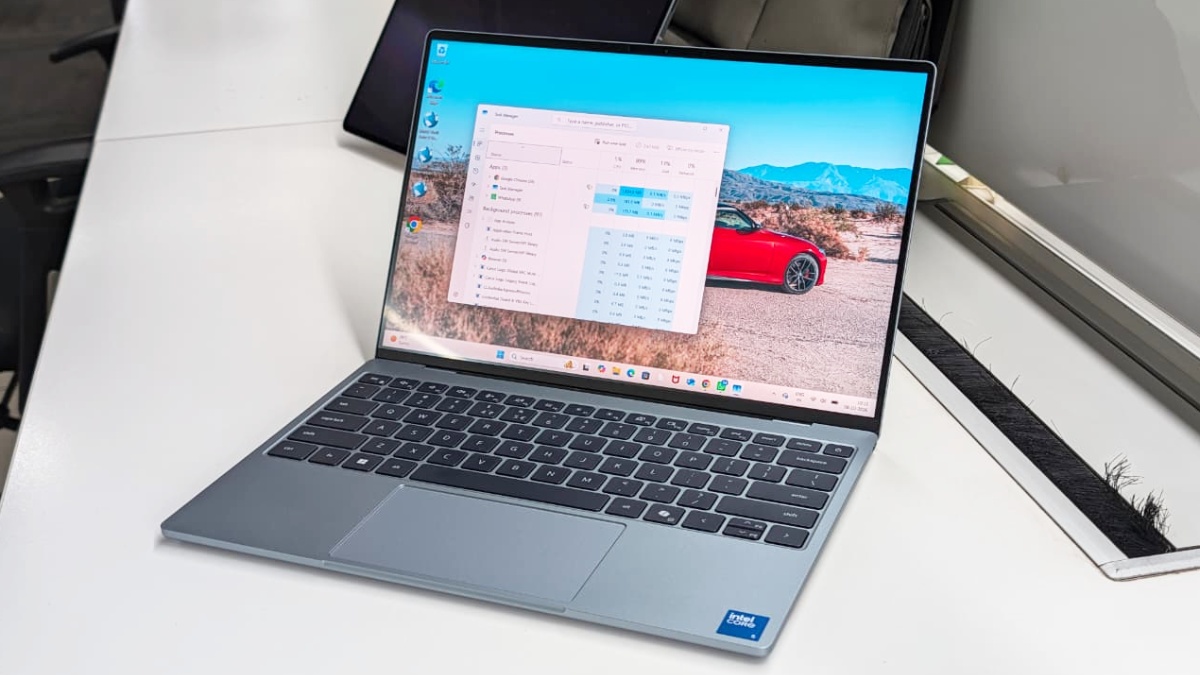
8GB RAM isn’t enough for modern computing needs, especially if your workflow revolves around Google Chrome or any web browser. Websites these days eat up more RAM, and that’s why you need more RAM. I faced this issue on the MacBook Neo, wherein its 8GB RAM was a bottleneck to performance. The same can be said of Windows 11 on the Dell XPS 13, which was struggling under the same limitation.
Immediately upon booting into Windows, background system operations — such as background security executables and biometric services — consume up to 80 per cent of available memory. Opening a browser with multiple tabs quickly pushes memory usage past 95 per cent. In daily use, this leads to occasional delayed window scrolling and app freezes.
The processor, which is the Intel Core 5 320, is tuned primarily for efficiency rather than raw compute speed. In synthetic benchmark tests like Geekbench 6, previous-generation XPS 13 models equipped with Intel Core Ultra 7 or Snapdragon X Elite processors dramatically outperform this processor. The Core 5 320, however, can manage processing-centric workloads well as long as you are working on Chrome and dealing with lighter levels of photo editing. As long as I was limiting my workload within the limits of the RAM, the XPS 13 performed well, dealing with my multitasking and multimedia needs with absolute ease. No gaming here, though, as the onboard graphics isn’t meant for gaming.
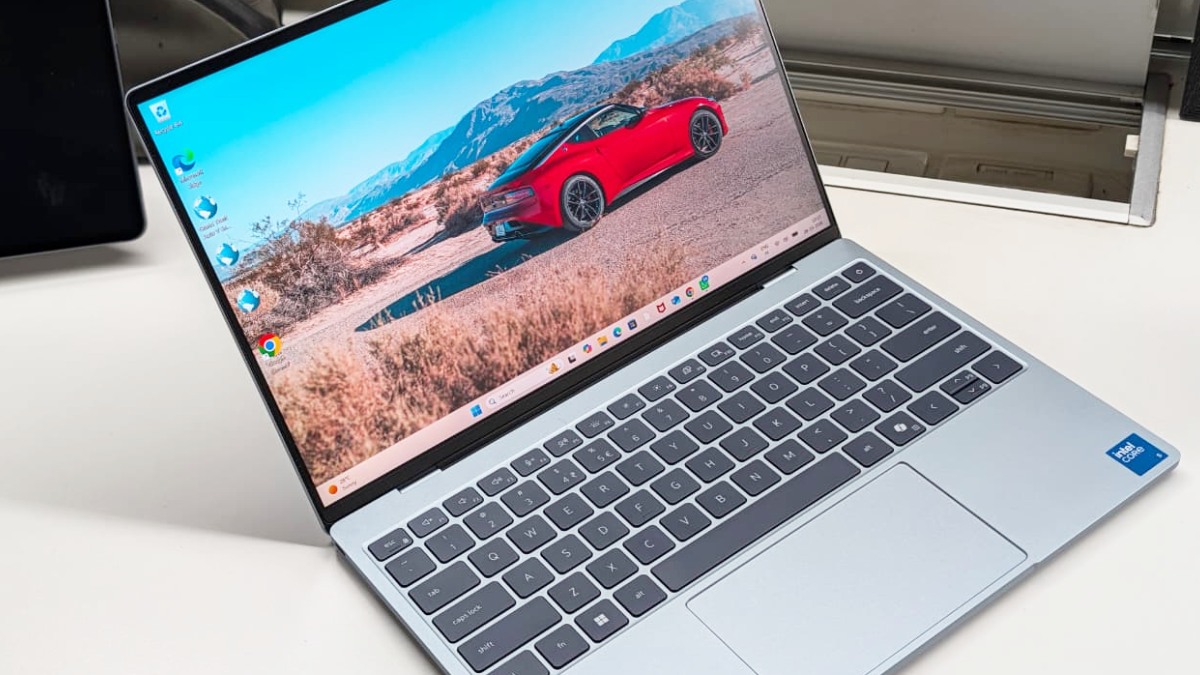
However, as a mid-range productivity laptop, the 2026 XPS 13 model holds a key advantage over its Apple rival – it includes 512GB of base storage (compared to Apple’s 256GB baseline) and allows configuration options up to 16GB of RAM, whereas the MacBook Neo caps memory options entirely.
Hence, if you are getting the XPS 13 (2026), we’d highly recommend getting the variant with 16GB RAM, which will allow the processor to work the way it’s intended to. The XPS 13 with 16GB of RAM should be easy to live with in the longer run.
Ergonomics and Battery life
The XPS 13’s keyboard sticks to the classic chiclet-style keys, which, in my opinion, work best for typing. There’s ample feedback and sufficient travel, with well-spaced-out keys. This enables fast and accurate typing during extended writing sessions.
As for the trackpad, while its tracking and swiping accuracy are fine, the top third of the trackpad surface physically does not register clicks — a frustrating limitation for anyone accustomed to modern haptic trackpads that allow uniform clicking across the entire surface. Maybe Dell could have managed to stuff in the nicer trackpad instead of a touchscreen display.
Then there’s the audio performance from the quad-speaker setup, which is clear and carries ample volume, but lacks the lower-end depth found on the larger XPS 14. In terms of connectivity, Dell provides two USB-C ports split conveniently across both sides of the chassis, allowing flexible charging options. However, the legacy 3.5mm headphone jack remains absent, and so do USB-A ports and an HDMI port. No expandable microSD card slot either. This shouldn’t be a concern if your workflow relies mostly on online activities.
Battery endurance stands out as one of the laptop’s strongest attributes. In a simulated use case scenario mimicking typical college and office usage, the XPS 13 left us impressed. For my office workflow, which relies mostly on web-browser-centric tasks, the XPS 13 managed to last an entire workday of 10 hours with ease, needing a top-up before the next day starts. The included charger fills up the battery within an hour, thus making it convenient to carry around. This is almost as good as the MacBook Neo’s battery stamina.
Verdict
Dell deserves credit for aggressively pricing a lightweight, all-metal ultraportable to create a true competitor to the MacBook Neo in the sub-Rs 80,000 category. And the XPS 13 ends up edging the Neo in many aspects – the combination of a vibrant 120Hz touchscreen display, lightweight chassis, a comfortable “backlit” keyboard, a facial recognition system, and an all-day (work day) battery life makes for a compelling portable package, and most possibly the best laptop you can find in this price range. As a media professional, I’d prefer working on the XPS 13 over the MacBook Neo any given day.
My only concern with the XPS 13 is 8GB RAM on the base configuration, which creates an undeniable performance ceiling with Windows 11. Hence, I highly recommend that potential buyers skip the entry model and spend the extra amount for the 16GB RAM variant. This should give you a reliable ultra-portable laptop for carrying around your work all day with ease.